ID photos
Passport & ID results
- Free on-screen preview for US, UK and India passport sizes
- Optional HD download uses 1 credit when you need the file
- Private server processing with signed delivery links
Make a compliant passport photo with a free preview, remove a background, or open a browser-local tool for GIF, crop, flip and more.
Free previewBrowser tools stay local
Popular tools
Passport and cutout with free preview. Micro-tools run in your browser.
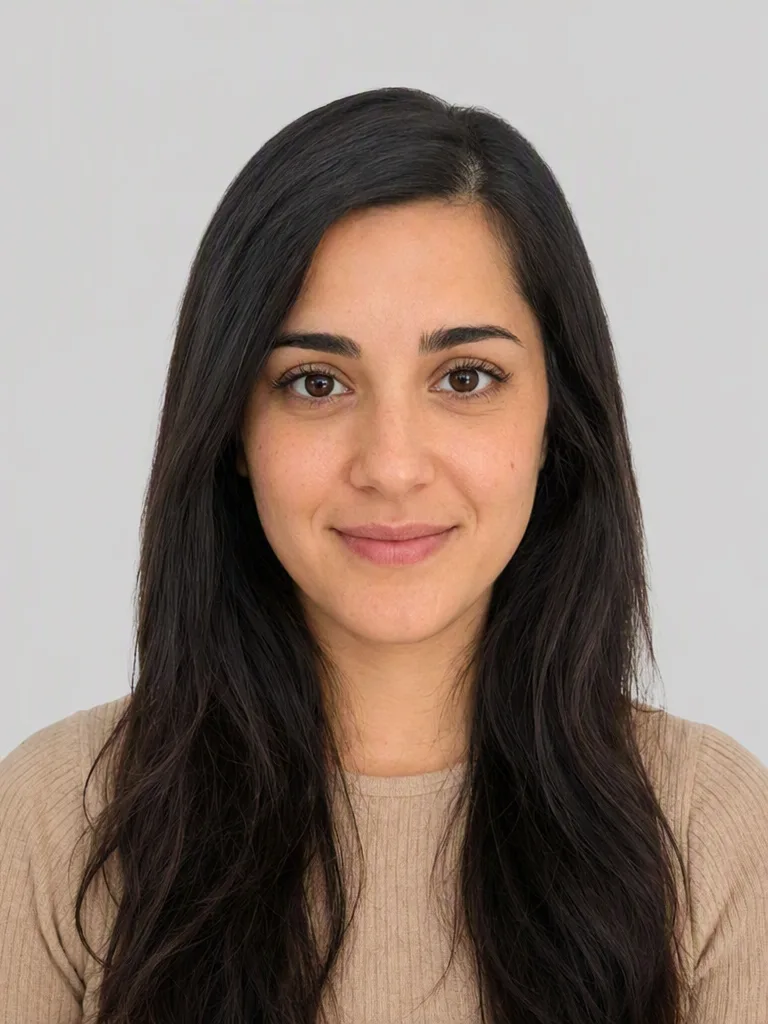 Passport photoFlagshipFree preview, official sizes
 Remove backgroundFlagshipFree preview, transparent PNG
 GIFGIF compressorFree browser-local GIF size reducer
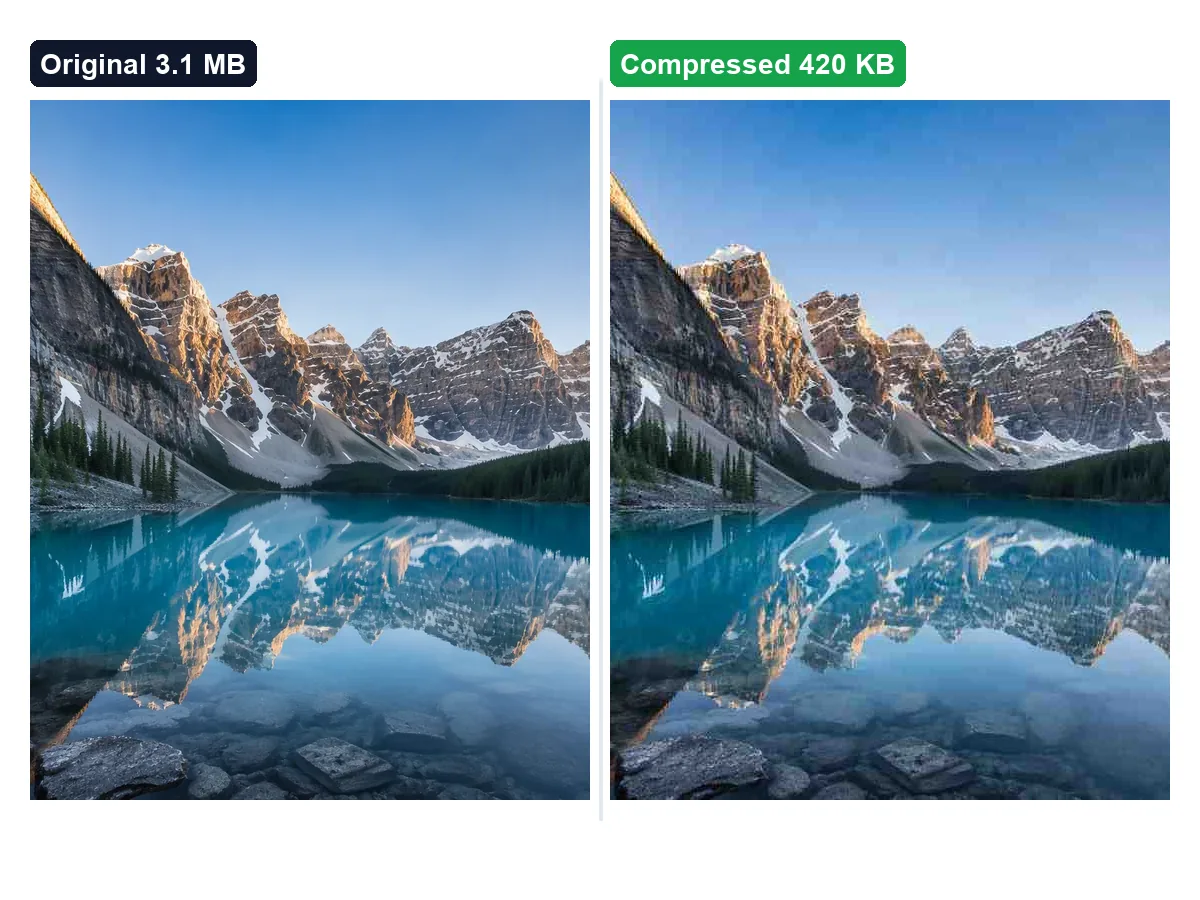 Image compressorFree browser-local JPG, PNG & WebP size reducer
 Image converterFree browser-local HEIC to JPG & format converter
 Image cropFree browser-local rectangular crop + aspect presets
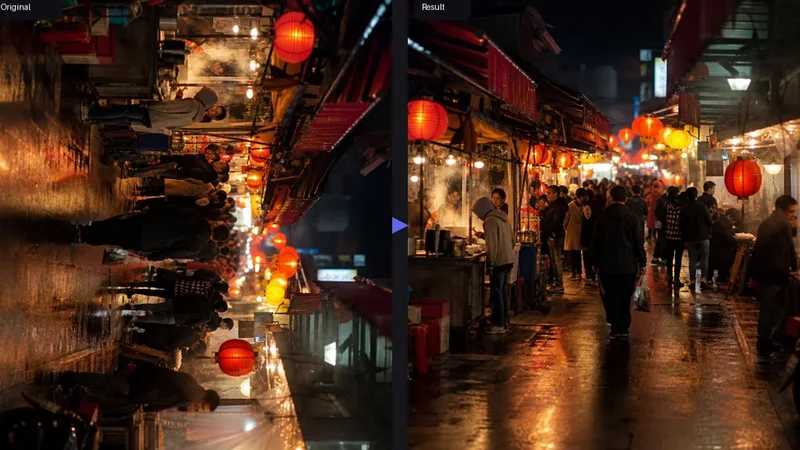 Image rotateFree browser-local rotate + flip (90° / any angle)
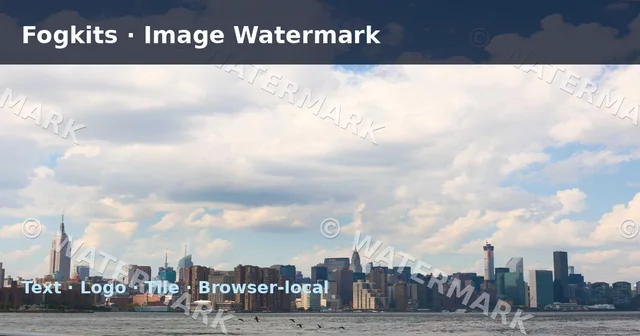 Image watermarkFree browser-local text + logo watermark (tile / corners)
 Image blurFree browser-local Gaussian-style blur (live preview)
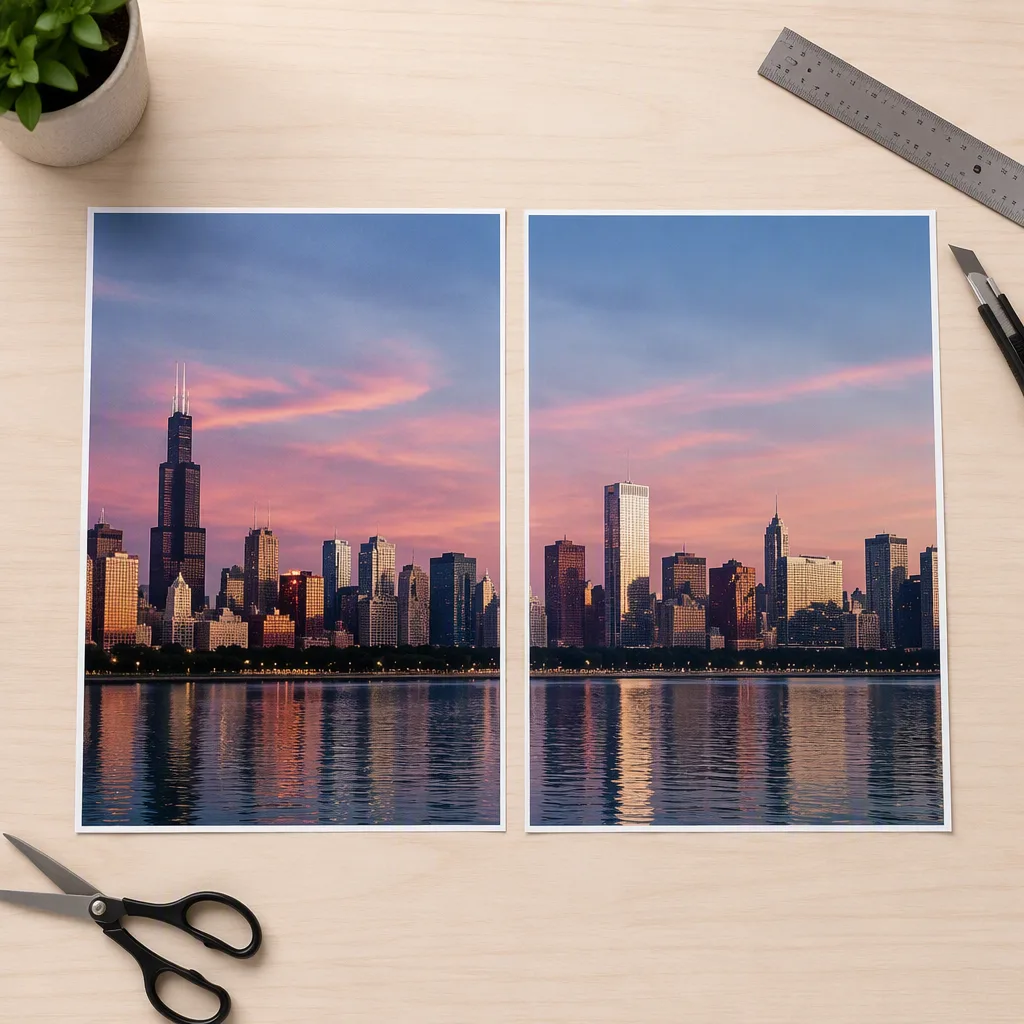
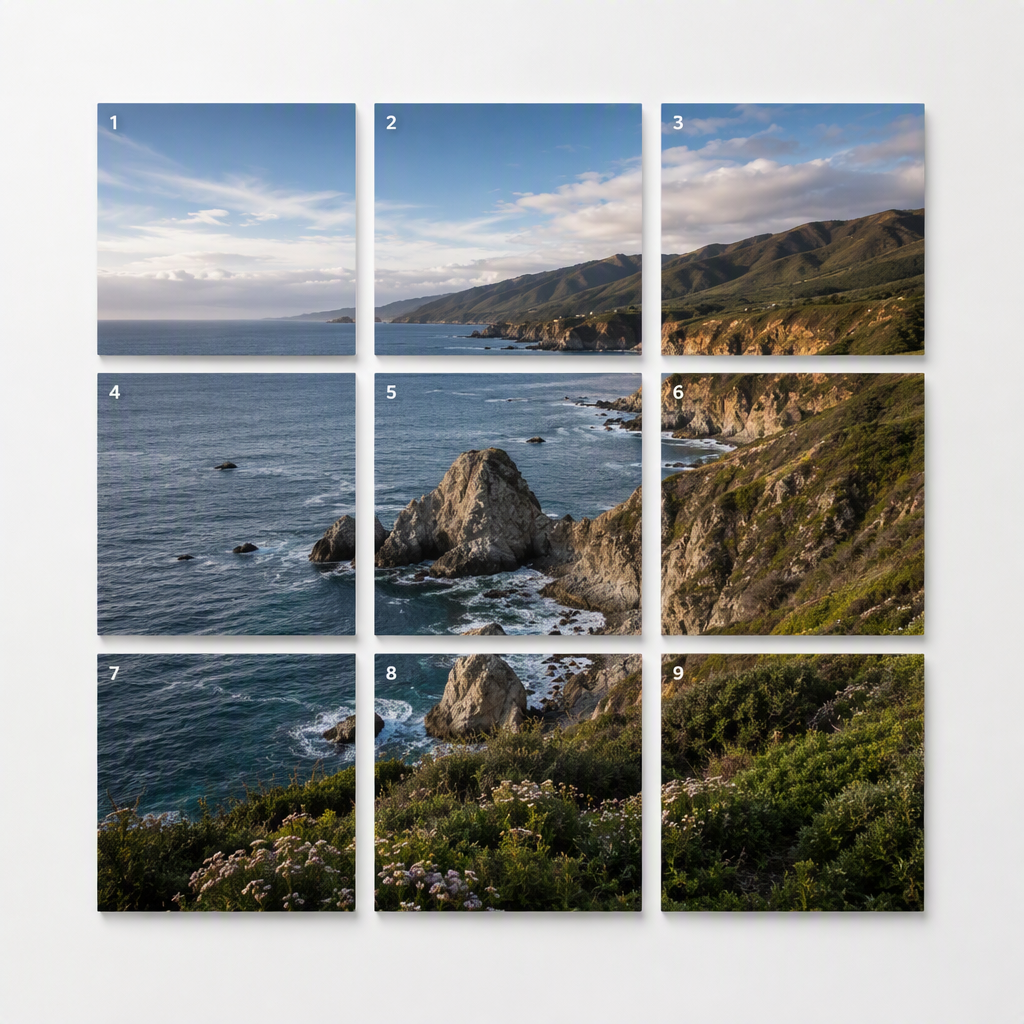 Image splitterFree halves, grids or custom tiles
 IG carousel splitFree ordered 1×N swipe slides
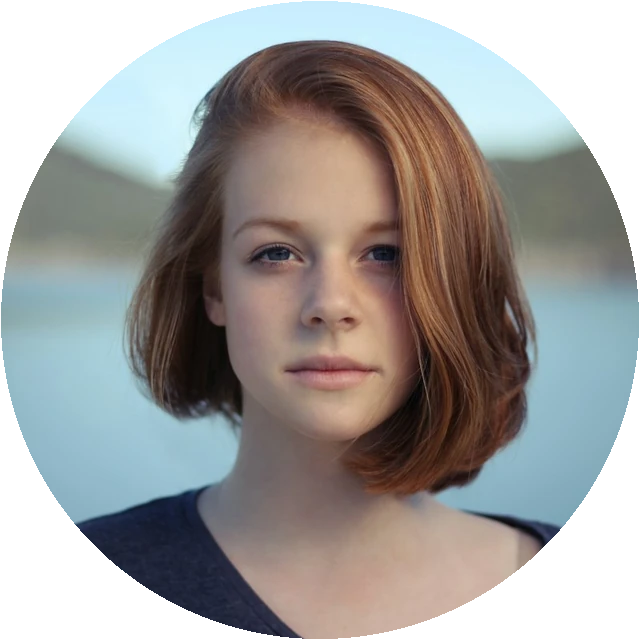
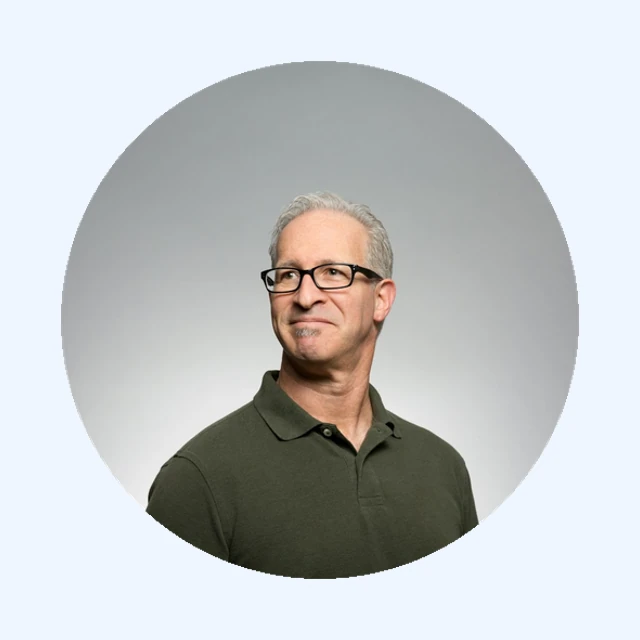 Circle cropFree round avatar — drag to reposition, transparent PNG
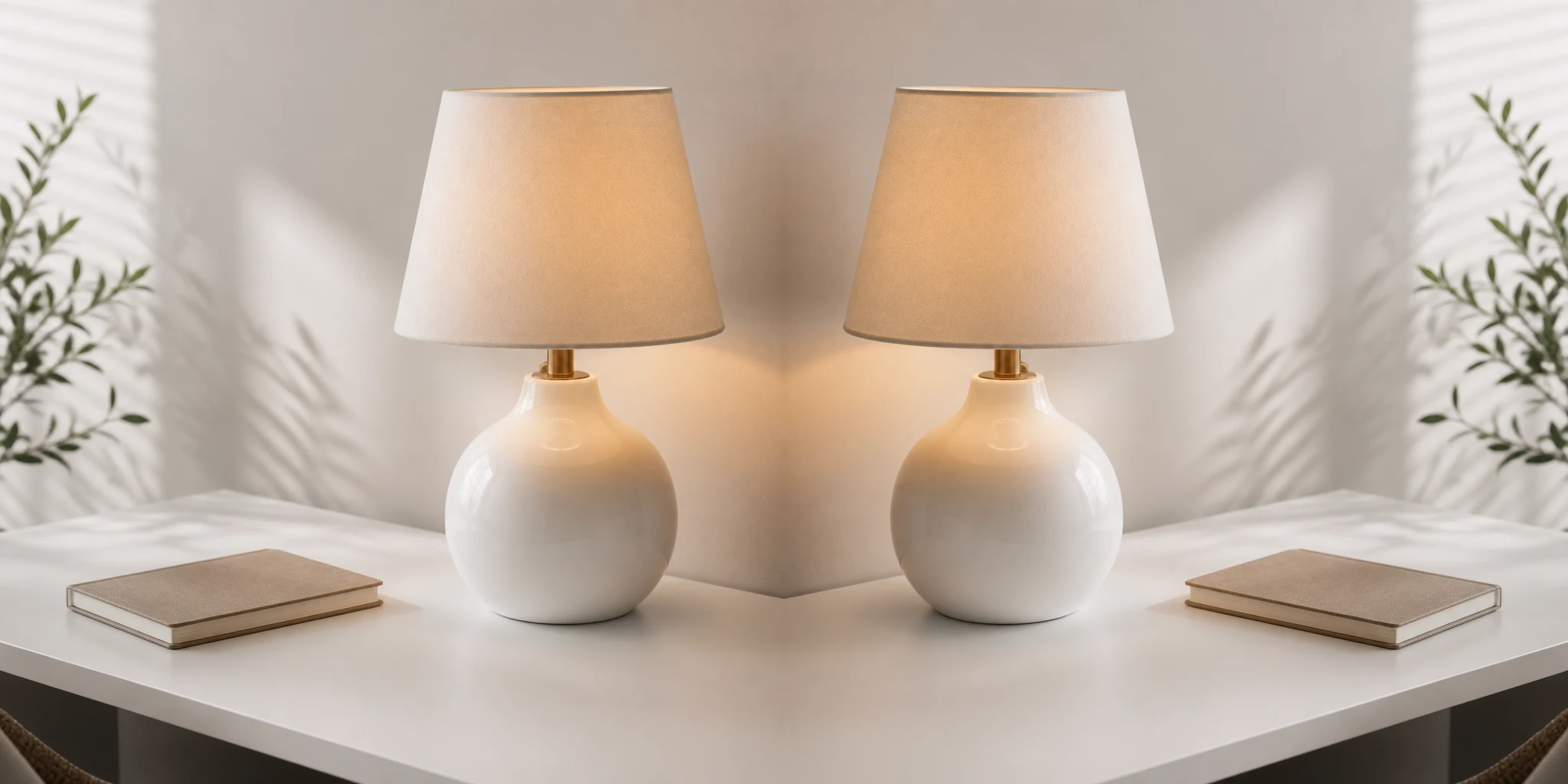
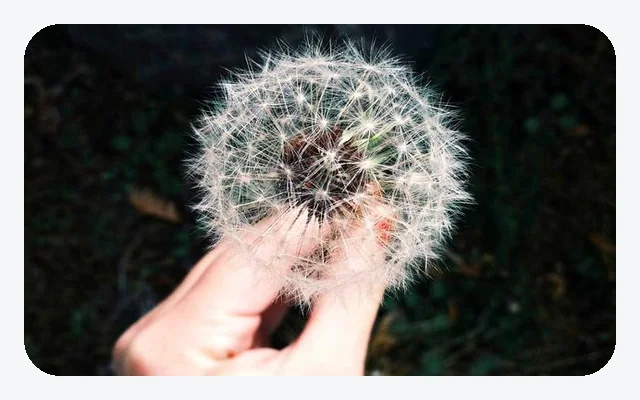 Round cornersSoft rounded UI cards — transparent PNG, scale-smart radiusFlip imageFree mirror flip in your browser
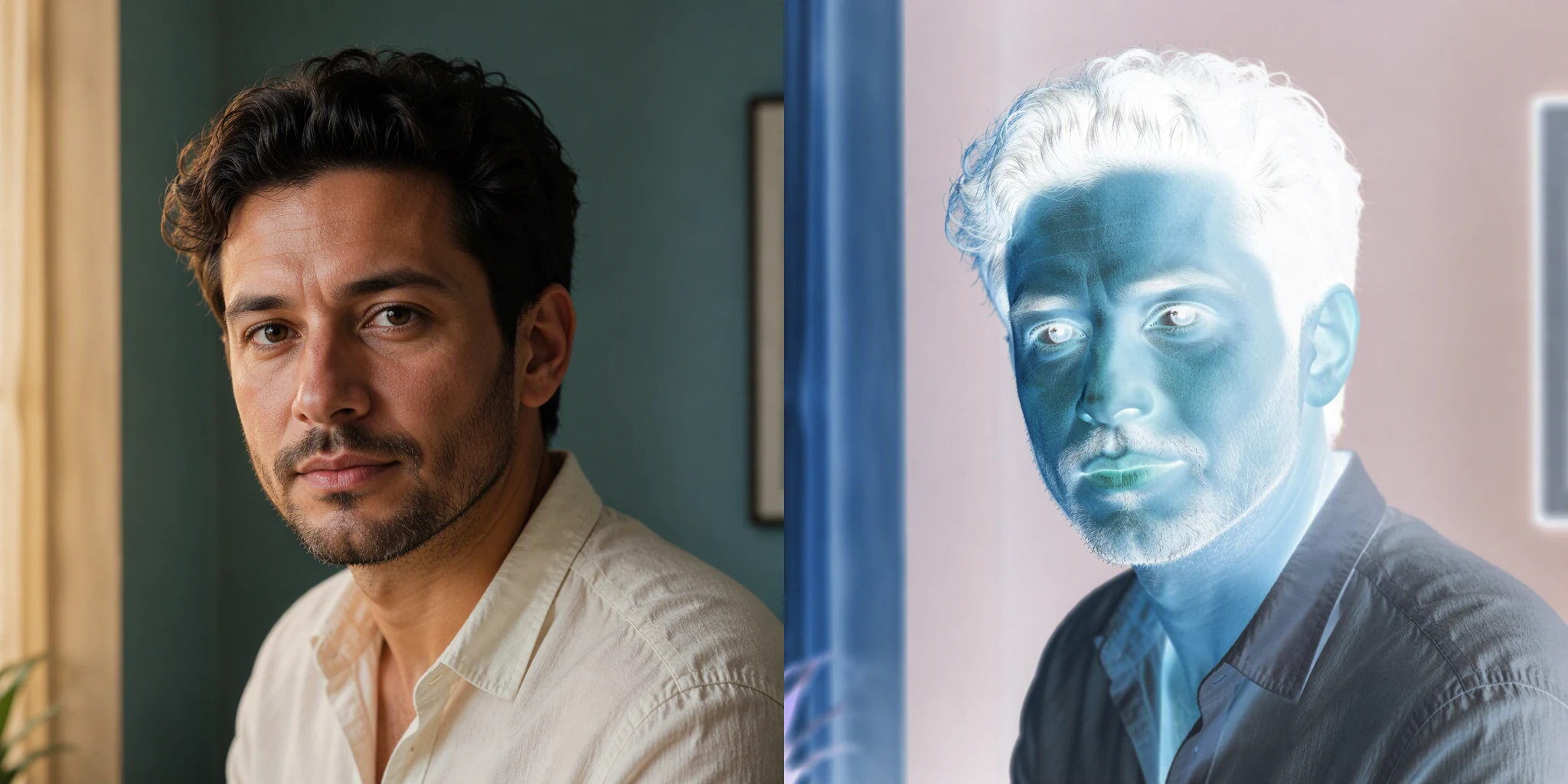 Invert colorsFree color negative in your browser
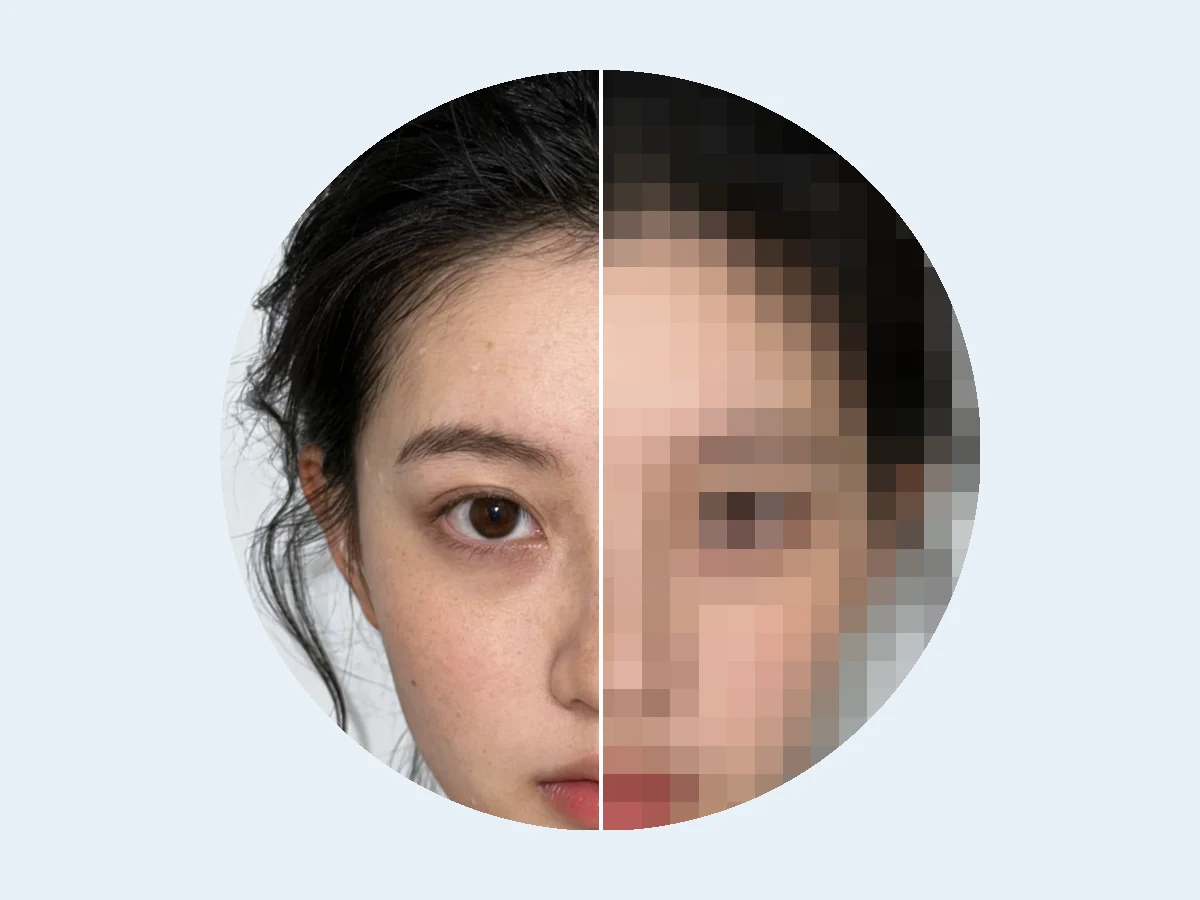 PixelateFree pixel effect in your browser
 Instagram gridFree 3×3 publish-order profile puzzle
Two tracks
Fogkits mixes private photo processing with browser-only edits — pick the track that fits the job.
ID photos
Browser-local
Pick a country to open the matching passport photo tool with a free preview.
How it works
Start with a passport size, remove a background, or open a free browser edit.
Drop a JPG, PNG, WebP or GIF. Browser tools stay on this device.
Free preview first. Browser downloads stay free; HD photo files use 1 credit.
Browser tools compress, crop and split on this device — originals never leave your browser.
Passport photos and background removal use private processing with a free preview and signed delivery.
Yes. Fogkits is free to use. Browser tools such as GIF compressor, image splitter and circle crop are free to download. Passport photos and background removal include a free preview; the optional HD file uses 1 credit.
It depends on the tool. GIF compression, split, crop, flip and similar edits stay in this browser. Passport photos and background removal are processed on our servers and delivered through signed links. Fogkits does not publish uploaded photos as public content.
Fogkits currently supports United States, United Kingdom and India passport photo sizes. Check the country page and its official source before submitting your photo.