Retro graphics
Add a clear pixel-art treatment to thumbnails, portraits, and social graphics.
Turn a photo into clear pixel blocks with an adjustable block size. The image stays on your device.
No image? Try one of these
How it works
01
Upload a JPG, PNG or WebP from your device.
02
Move the slider to make the square blocks subtle or bold.
03
Export a PNG after checking the visual effect.
Pixelation is useful for a deliberately retro look, abstract thumbnails, or visual demonstrations where large square blocks should be obvious. Adjust the block size to control the strength of the effect. This is visual styling, not professional privacy redaction or irreversible anonymization.
Use cases
Add a clear pixel-art treatment to thumbnails, portraits, and social graphics.
Make a region look abstract when the goal is style rather than permanent redaction.
Try a pixelated treatment without opening a full photo editor.
Examples
The before and after examples make the block pattern easy to inspect. Pixelation is a visual effect, not professional redaction.
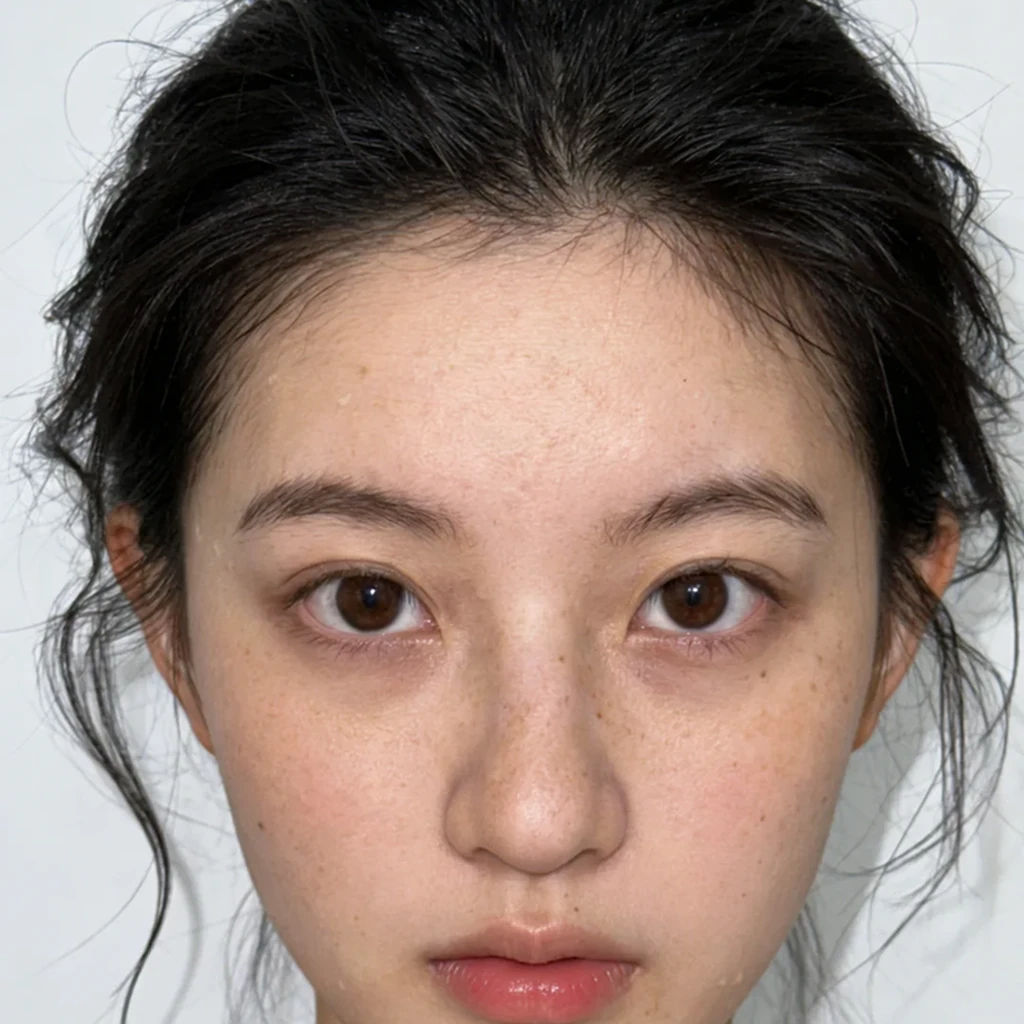
Start with a sharp image so the pixel pattern stays readable.
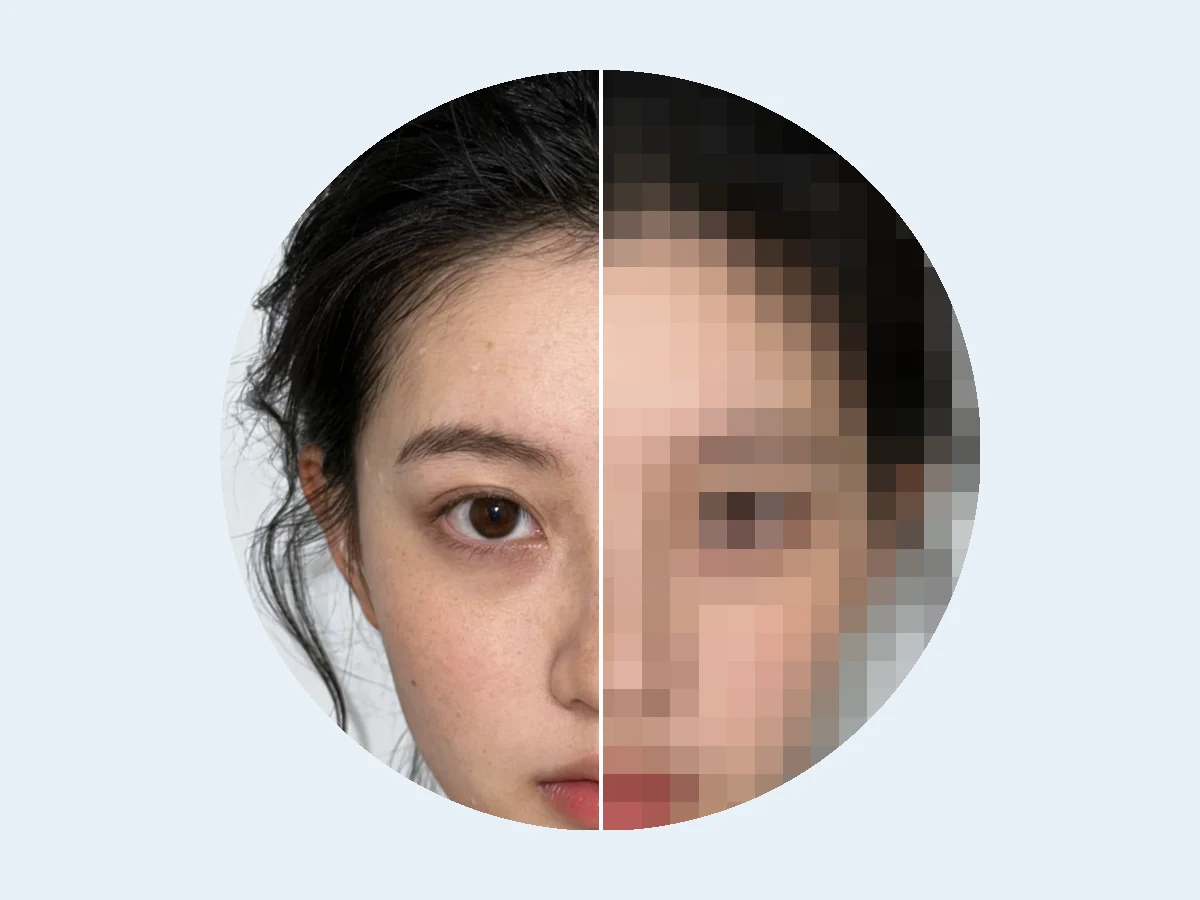
Increase the block size for a stronger visual effect.
Yes. Move the block-size control before downloading the processed image.
No. This tool creates a visual effect. Do not rely on it as a professional method for irreversible redaction.
Invert image colors online in your browser. Upload a JPG, PNG or WebP, preview the negative effect, and download a PNG without uploading your image.
Open toolFlip an image horizontally or vertically online. Preview the mirror effect and download a PNG in your browser without uploading your photo.
Open tool