Quality and target size
Use the quality slider for a single pass, or set an optional KB target so Fogkits steps quality and width until the file fits.
Free · Browser-local · No upload
Shrink JPG, PNG and WebP file size in your browser. Free image compressor for email, forms and the web — nothing is uploaded.
Looking for compressing a GIF instead? Or browse all Fogkits tools.
No image? Try one of these
Free browser tool. JPG, PNG, WebP. Typical limit 25 MB (12 MB on low-memory devices). Your image never leaves this device.
Compression runs with canvas re-encode inside your browser. Fogkits does not upload the image for this tool — no account and no credits required to download.
Why choose Fogkits
Honest quality vs size controls — and the file never leaves this device for this tool.
Use the quality slider for a single pass, or set an optional KB target so Fogkits steps quality and width until the file fits.
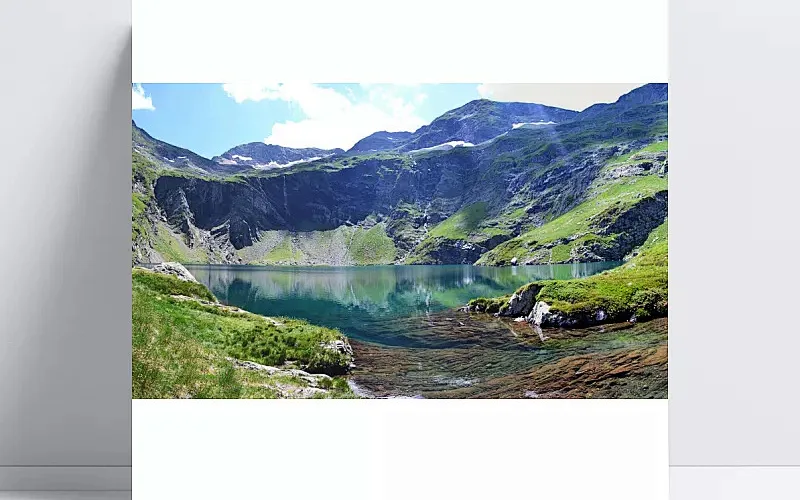
Auto prefers WebP when the browser can encode it; force JPEG, WebP, or PNG when a destination is picky.
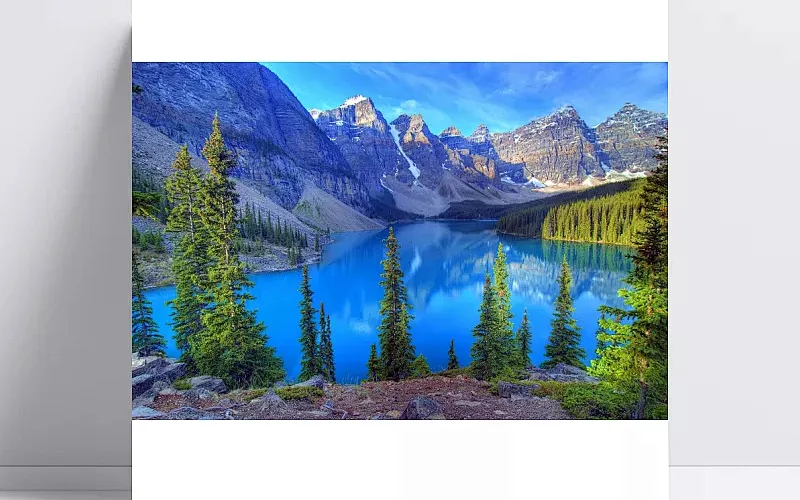
Downscale to 1920, 1280, 800, or 640 px while keeping aspect ratio — useful when resolution is part of why the file is heavy.
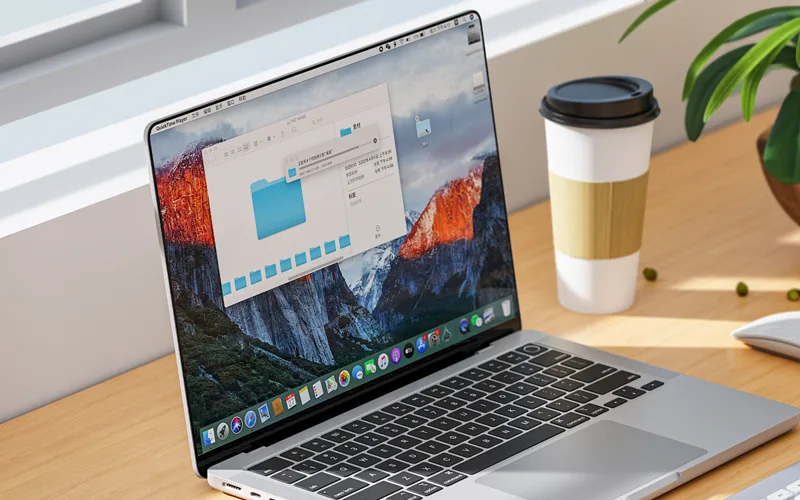
Compression re-encodes with canvas in your browser. No account and no credits required to download the result.

Drop several images, apply one quality/format recipe, and download each compressed file when the preview still looks acceptable.

See original vs compressed bytes in the workspace so the tradeoff is obvious — not just a spinner and a hope.
Proof
The marketing before/after pair is a real canvas JPEG re-encode of the street sample. After a quality pass it lands around 77% smaller in the static demo assets. Your savings depend on the source format, resolution, and the controls you choose — Fogkits does not invent traffic or engagement numbers for this page.
Quality slider
Maps to JPEG/WebP encode quality (10–100).
Target size
Optional KB cap with escalating quality and width passes.
Output format
Auto prefers WebP; or force JPEG, WebP, or PNG.
Max width
Downscale to 1920, 1280, 800, or 640 px while keeping aspect ratio.
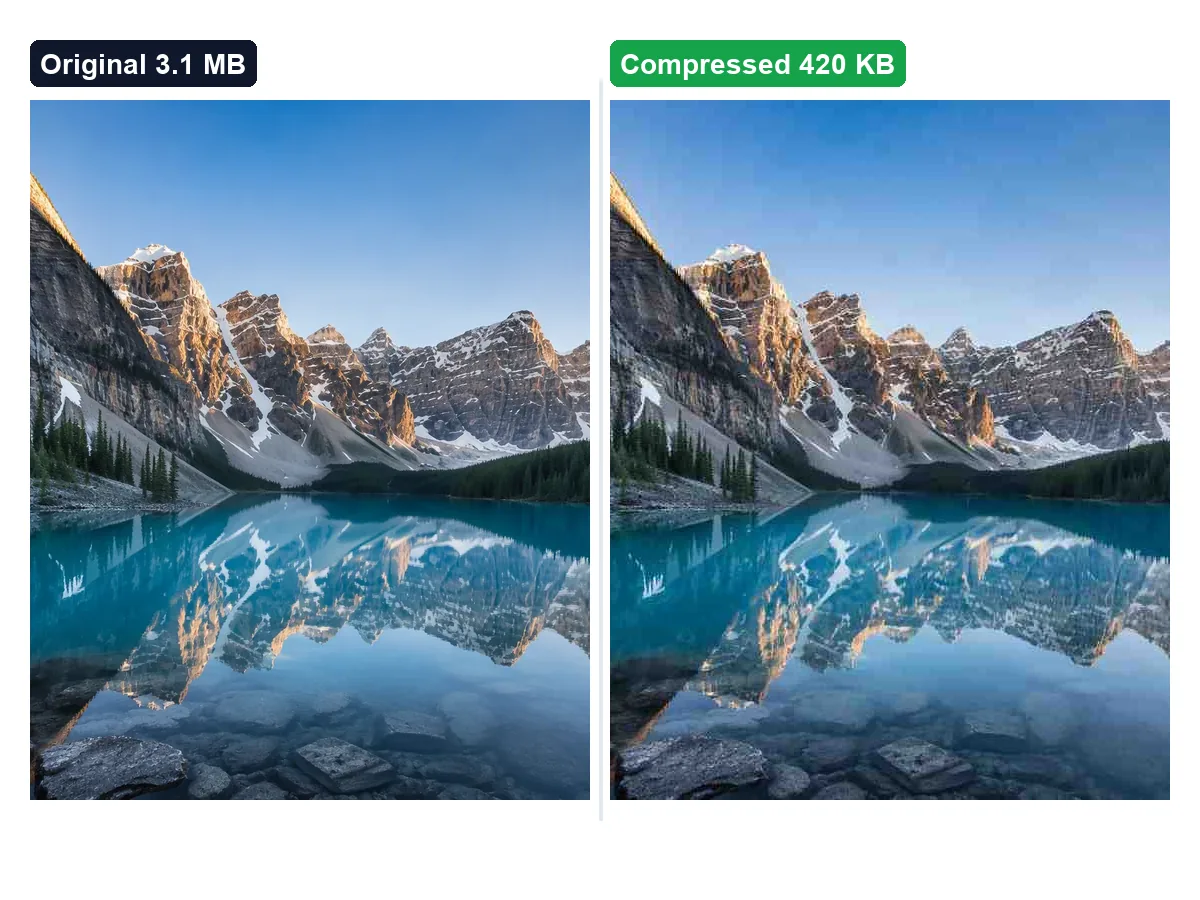
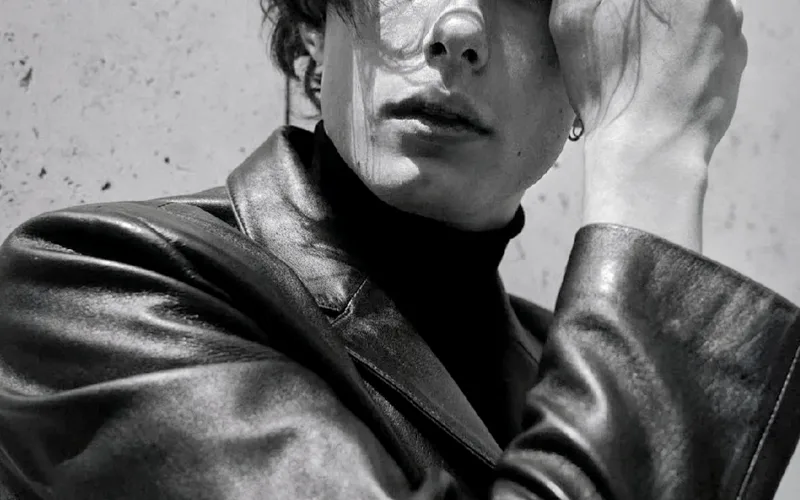
Demo stills from the street sample. Try the live samples above to compress a portrait, product, or landscape image in your browser.
Use cases
Three everyday jobs where kilobytes matter more than pixel dimensions.
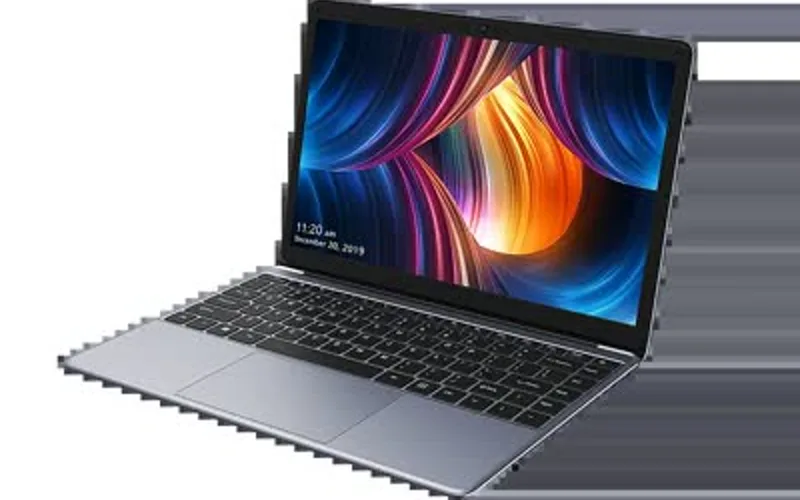
CMS & email
Lower quality or set a target KB when a CMS, ticket system, or mailbox rejects the original — without emailing the photo to a third-party site.
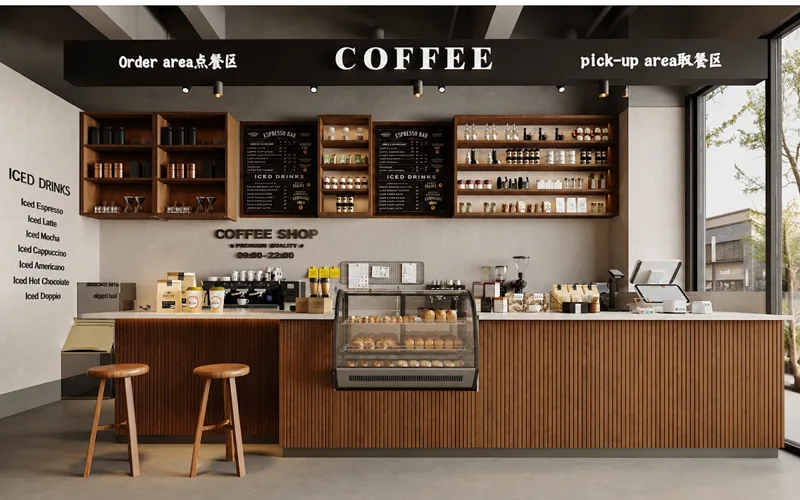
Storefronts
Re-encode JPG/WebP for faster product pages. Optional max width keeps aspect ratio while cutting weight for mobile shoppers.

Sharing
Preview the tradeoff before you download. Stop when the image still looks good enough for chat, docs, or a quick web drop-in.
How to use
No account, no queue, no cloud job. Pick a file, tune the tradeoff, and download when the preview still looks good enough.
01
Drop a JPG, PNG, or WebP onto the compressor, or try a sample. The file stays in your browser and is not uploaded to Fogkits for this tool.
02
Start with the quality slider. Optionally set a target size in KB, pick an output format (Auto / JPEG / WebP / PNG), or a max width when a form or email rejects a large file.
03
Compare original and compressed previews, check how much you saved, then download the result. Compression runs locally with canvas re-encode — no credits.
Drop a file above, tune quality or target size, and download when the preview still looks good enough.
Yes. This browser-local image compressor is free — no account and no credits. Compress a JPG, PNG, or WebP and download the result when the preview looks right.
No. Fogkits compresses the image in your browser with canvas re-encode. The original file is not sent to Fogkits servers for this tool.
Yes. Enter a target size in KB. The tool starts from your quality setting, then lowers quality and max width until the file fits or the aggressive passes finish.
Yes. Add up to 20 images at once, apply the same quality and format settings, then Compress all. Each result downloads individually in your browser — nothing is uploaded.
Compression is a tradeoff. Start with a higher quality value to keep more detail. Stronger settings or a smaller max width shrink the file further but can soften fine detail — that tradeoff is intentional.
Input: JPG, PNG, and WebP. Output: Auto (prefers WebP when the browser can encode it), JPEG, WebP, or PNG. PNG is lossless in the browser, so convert to JPEG/WebP when you need a smaller file.
Use the Fogkits GIF compressor for animated GIFs. This page is for still images only.
About 25 MB on typical desktops, or 12 MB on devices that report 4 GB of memory or less.
Resize an image to exact width and height in your browser. Free photo resizer with aspect lock — nothing is uploaded.
Open toolCompress and shrink a GIF online free in your browser — no upload. Reduce GIF file size with quality, target size, resize and frame skip, then download.
Open toolCircle crop a photo into a round avatar PNG in your browser. Free, no upload — transparent edges by default.
Open tool