Creative portraits
Make a photographic negative or an unexpected color treatment for social posts.
Create a color-negative version of any JPG, PNG or WebP. Your image stays in this browser.
No image? Try one of these
How it works
01
Select a JPG, PNG or WebP from your device.
02
Check the negative effect before you export it.
03
Save the result at the source image dimensions.
Use an inverted image for poster backgrounds, creative portraits, science demonstrations, or a quick negative effect. Fogkits reverses the RGB channels at the original dimensions and exports a PNG, so the result is ready to download without sending your photo to a server.
Use cases
Make a photographic negative or an unexpected color treatment for social posts.
Test light and dark color relationships before moving an image into a design tool.
Create a clean negative version without installing desktop editing software.
Examples
The examples show a real RGB inversion on a portrait, so you can judge the contrast before using your own image.
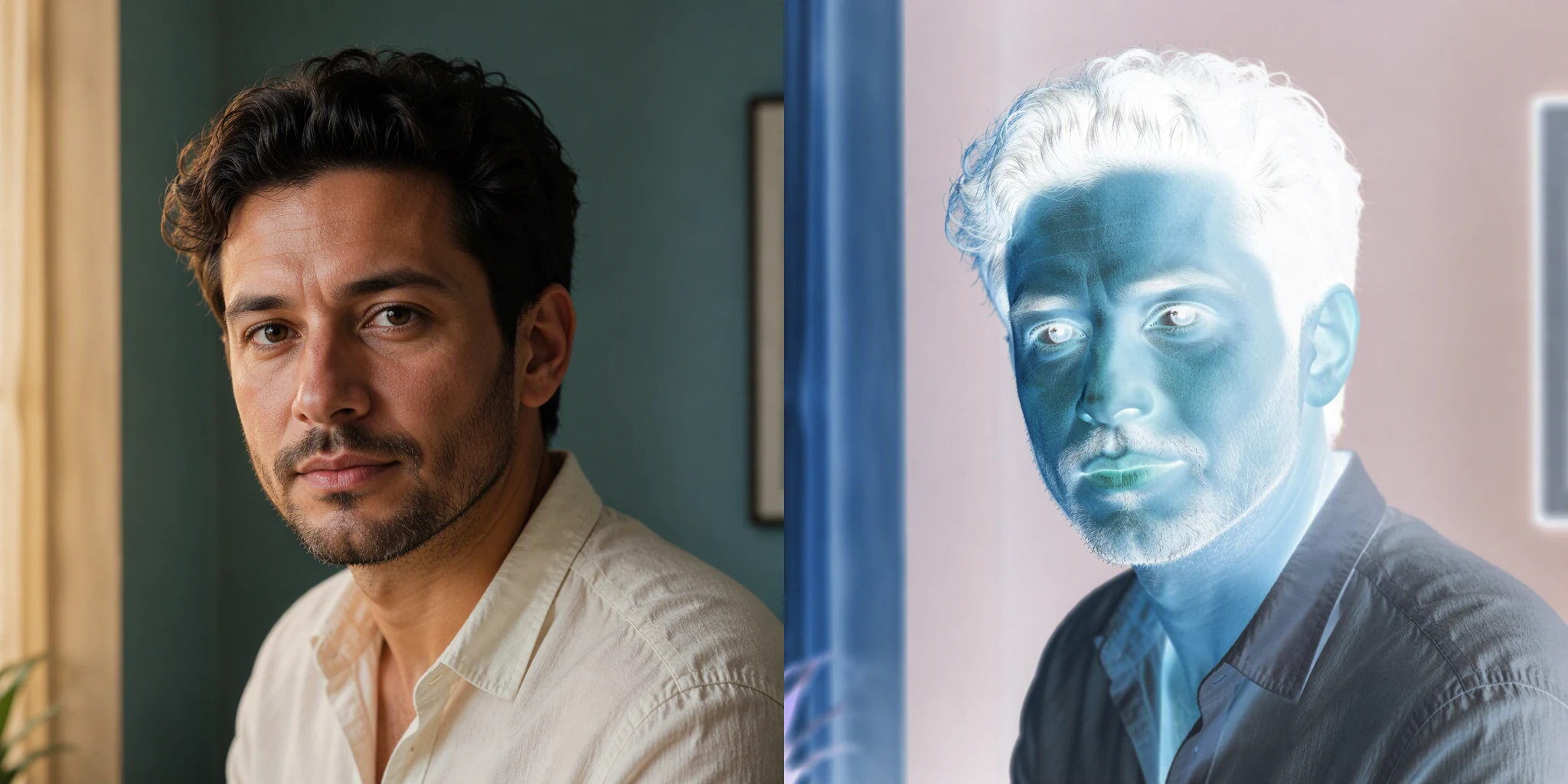
The result reverses every RGB color channel.
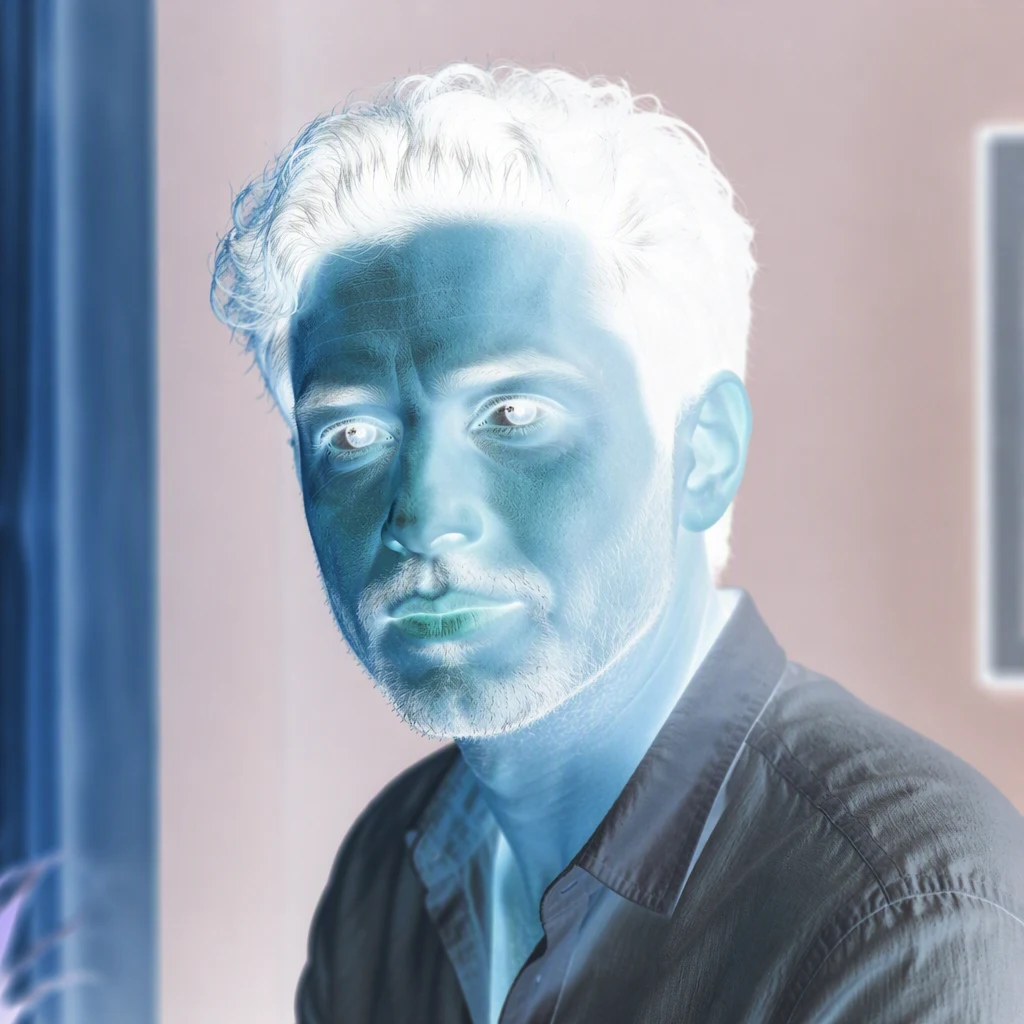
Download the inverted image at its original dimensions.
No. The color operation runs in your browser and the original image is not sent to Fogkits.
JPG, PNG and WebP. PNG transparency is kept in the downloaded PNG.
Pixelate an image online in your browser. Choose the block size, preview the effect, and download a PNG without uploading your photo.
Open toolFlip an image horizontally or vertically online. Preview the mirror effect and download a PNG in your browser without uploading your photo.
Open tool