
Publish-order ZIP
Files sort as 01→N for Instagram upload. 01 is the visual bottom-right tile so the finished profile reads left→right, top→bottom.
Free · Browser-local · Publish-order ZIP
Split one photo into a clean 3×3 grid for your feed — in your browser. Preview continuity, then download tiles numbered for Instagram upload order. Your file never leaves this device.
No image? Try one of these
Free browser tool. Not affiliated with Instagram. Typical limit ~20–25 MB depending on device memory.
Why choose Fogkits
Built for profile puzzles — not a thin rename of the generic splitter.
Files sort as 01→N for Instagram upload. 01 is the visual bottom-right tile so the finished profile reads left→right, top→bottom.
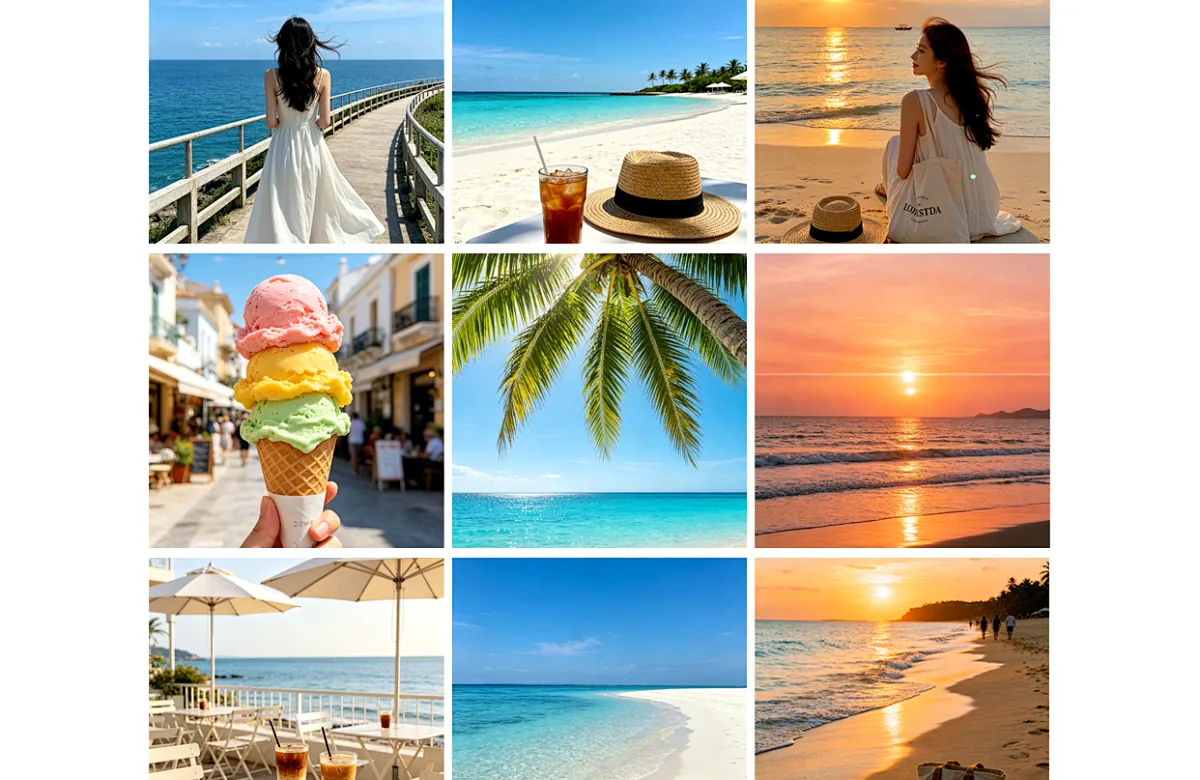
See the mosaic with numbered cells before you export, so seams and faces stay aligned across the 3-column profile.
3×3 is primary, with 3×2, 3×1, and 3×4 for lighter or taller mosaics that still match profile columns.

Split and ZIP on this device. Fogkits does not upload the source for this tool and does not post to Instagram.

Default PNG keeps edge detail for puzzle feeds. Switch to JPG or WebP when you need smaller uploads.

Need swipe slides inside one post instead of a profile mosaic? Use Instagram Carousel Splitter next.
How to use
No account, no cloud job. Drop a photo, pick a 3-column layout, download the publish-order ZIP.
01
Drop a JPG, PNG, or WebP. Wide or tall images with continuous detail work best for a seamless profile puzzle.
02
Start with 3×3 (classic). Preview continuity across tiles. Optional 3×2, 3×1, or 3×4 keep the Instagram profile column rhythm.
03
Files are numbered for Instagram upload: post 01 first (visual bottom-right) through the highest number last (visual top-left).
Use cases
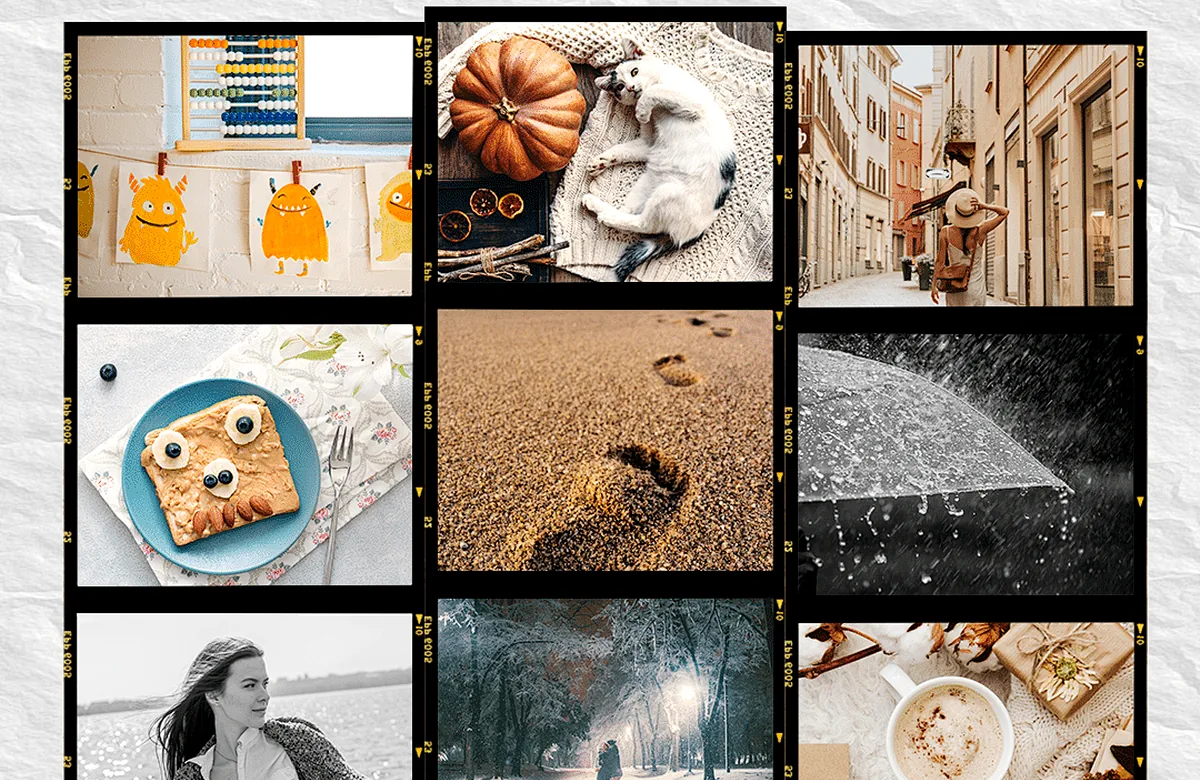
Launch a campaign as one continuous image across nine profile thumbnails.
Keep product or logo continuity across posts without designing nine separate canvases.

Turn a wide landscape into a tidy 3-column story that still reads as one place.

Illustrative still. Drop your photo above for a live continuity preview.
Feed-style preview
The tool shows reading-order numbers on the mosaic so you can judge faces and horizons. The ZIP uses a different numbering scheme on purpose — publish order — so Instagram’s newest-first profile does not scramble the puzzle.
Grid Maker is browser-local. Fogkits does not upload images for this tool and cannot access your Instagram account.
It splits one photo into equal tiles so your profile thumbnails reassemble into a single image. Fogkits runs entirely in your browser and exports a ZIP — it does not post for you.
Instagram places the newest post at the top-left. Fogkits names files in publish order: upload 01 first (bottom-right of the mosaic) and finish with the highest number (top-left). The on-page preview still shows reading order.
Yes. Browser-local grid export is free — no account and no credits. Download the ZIP when the continuity preview looks right.
No. Splitting and ZIP encoding stay on this device. Fogkits is not affiliated with Meta/Instagram and does not publish to your account.
Grid Maker focuses on Instagram profile puzzles: 3-column presets, feed-style continuity preview, and publish-order ZIP naming. Use Image Splitter for arbitrary rows/columns and reading-order filenames.
Use Grid Maker for a multi-post profile mosaic. Use Carousel Splitter when you want ordered slides inside a single swipe post.
PNG (default for sharp seams), JPG, or WebP. You can also keep the source format when available.
Jump back to the tool, export the publish-order ZIP, then upload 01 first on Instagram.
Split a wide or tall image into ordered Instagram carousel slides in your browser. Preview swipe sequence, then download a numbered ZIP. Nothing is uploaded.
Open toolFree image splitter in your browser. Cut a photo in half, into 2×2 or 3×3, or any rows and columns. Preview the grid, then download numbered tiles as a ZIP. Nothing is uploaded.
Open toolCrop an image online free in your browser — no upload. Freeform or presets (1:1, 4:3, 16:9, 9:16). Live preview, then download JPG/PNG/WebP.
Open tool