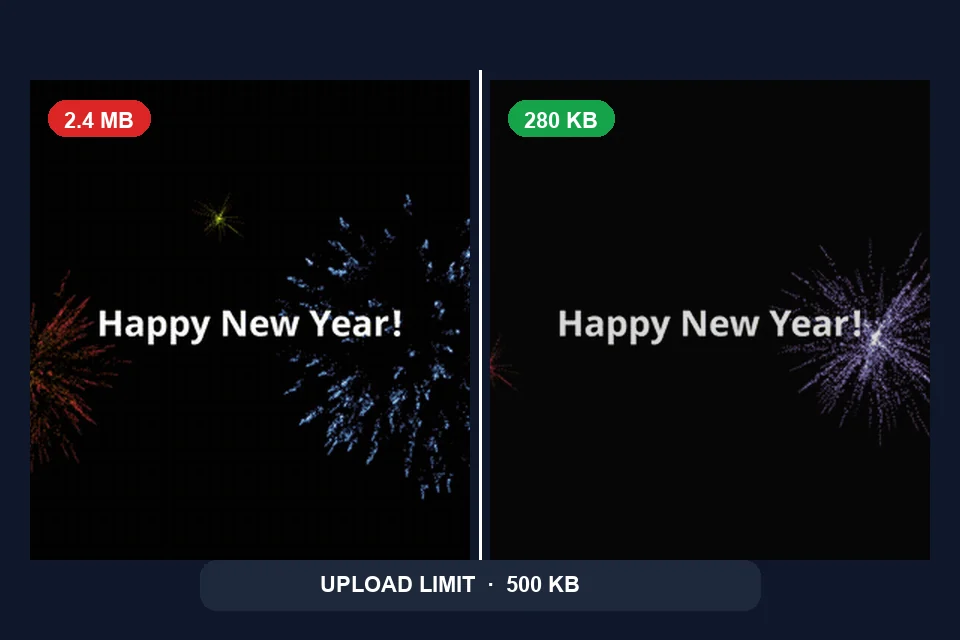
Hit upload limits
Shrink GIFs that bounce off chat, email, or form size caps.
Free · Browser-local · No upload
Shrink GIF file size in your browser — free, no upload. Dial quality, target size, width, and frame skip, then download when the preview still looks good enough for chat, email, ads, or docs.
No image? Try one of these
Free browser tool. GIF only. Typical limit 20 MB (10 MB on low-memory devices). Your animation never leaves this device.
Compression runs with Gifsicle in WebAssembly inside your browser. Fogkits does not upload the animation for this tool — no account and no credits required to download. Choosing between GIF tools? Read the Fogkits vs Ezgif comparison.
How to use
No account, no queue, no cloud job. Pick a file, tune the tradeoff, and download when the preview still looks good enough.
01
Drop an animated GIF onto the compressor, or try a sample. The file stays in your browser and is not uploaded to Fogkits for this tool.
02
Start with the quality slider. Optionally set a target size in KB, a max width, or frame skip when chat, email, or an ad platform rejects a large GIF.
03
Compare original and compressed previews, check how much you saved, then download the result. Compression runs locally with Gifsicle in WebAssembly.
Proof
Demo stills from the live Horse sample (Muybridge-style gallop). After a lossy palette and frame-rate pass the file lands around 70% smaller in this static pair. Your savings depend on colors, motion, and the controls you choose — Fogkits does not invent traffic or engagement numbers for this page.
Quality slider
Maps to gifsicle lossy strength and color count.
Target size
Optional KB cap with escalating passes until it fits.
Max width
Downscale to 640, 480 or 320 px while keeping aspect ratio.
Frame skip
Keep every 2nd or 3rd frame when motion can tolerate it.
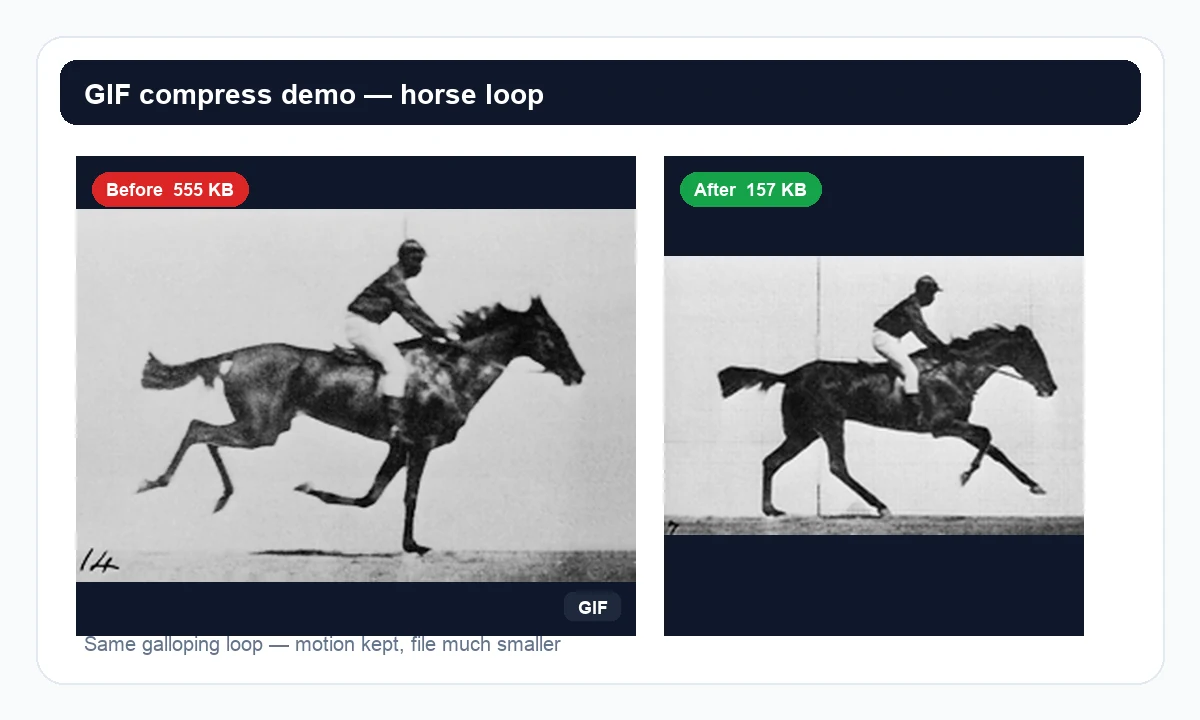
Demo stills from the Horse sample. Try Fireworks, Celebration, or Pi above to compress another loop in your browser.
Why choose Fogkits
Shrink animated GIFs for chat, email, and ads without uploading the file — free, no credits.
Shrink GIFs that bounce off chat, email, or form size caps.
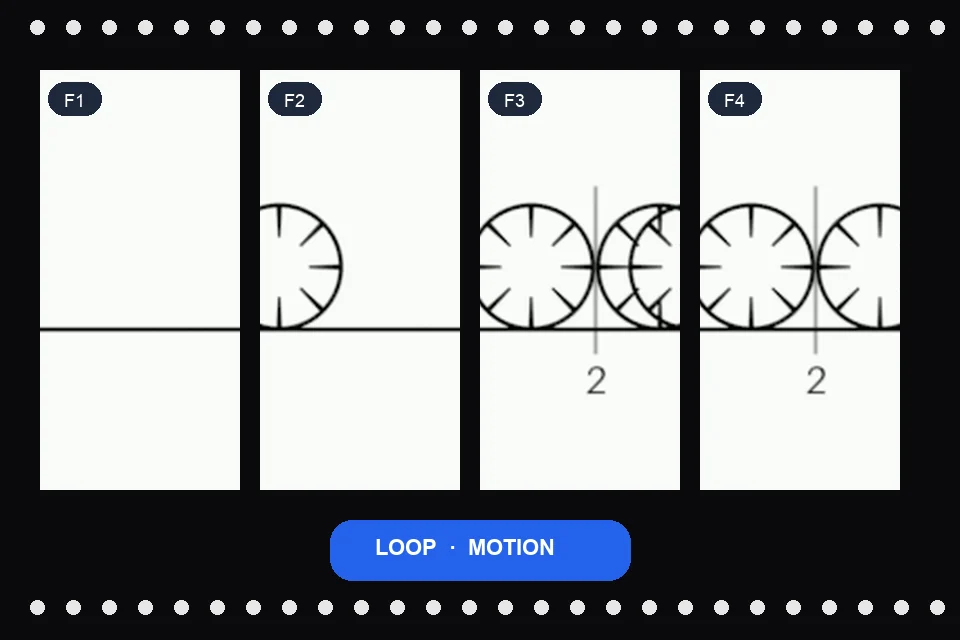
Compress without turning your GIF into a still image.
Runs in your browser with gifsicle; nothing uploads to Fogkits.
Use cases
Three common jobs where shrinking an animated GIF is faster than redesigning the loop.
Stickers & reactions
Smaller emoji-style GIFs for Discord, Slack, or iMessage.
Email & docs
Fit animated signatures or embeds under attachment limits.
Ad & web previews
Lighten GIF creatives before you upload to ads or a landing page.
Drop a file above, tune quality or target size, and download when the preview still looks good enough.
Yes. This browser-local GIF compressor is free — no account and no credits. Compress a GIF and download the result when the preview looks right.
No. Fogkits compresses the GIF in your browser with WebAssembly (gifsicle). The original animation is not sent to Fogkits servers for this tool.
Enter a target size in KB. The tool starts from your quality setting, then escalates lossy compression, color count, scale and frame skip until the file fits or the aggressive passes finish.
Start with a higher quality value to keep more detail. Stronger settings shrink the file further but can add dither noise, fewer colors, a smaller canvas, or fewer frames — that tradeoff is intentional.
Frame skip keeps every 2nd or 3rd frame so the animation uses fewer frames and a smaller file. Use it when motion can tolerate a lower frame rate, such as chat stickers or simple loops.
About 20 MB on typical desktops, or 10 MB on devices that report 4 GB of memory or less. GIF only — JPG, PNG and video files are not accepted on this page.
MP4 is usually smaller for video-like clips. Use this page when you specifically need a GIF for chat, email, ads, or platforms that reject other formats.
Need a still image smaller? Try the Image Compressor.
Compress JPG, PNG and WebP images in your browser. Shrink file size for email or web without uploading photos to a server.
Open toolInvert image colors online in your browser. Upload a JPG, PNG or WebP, preview the negative effect, and download a PNG without uploading your image.
Open toolPixelate an image online in your browser. Choose the block size, preview the effect, and download a PNG without uploading your photo.
Open tool