Correct a selfie
Reverse a front-facing photo when the saved result reads like a mirror image.
Mirror a photo left-to-right or turn it upside down. Process JPG, PNG and WebP files locally.
No image? Try one of these
How it works
01
Upload a JPG, PNG or WebP to the browser tool.
02
Choose horizontal for a mirror image or vertical for an upside-down result.
03
Save the flipped image without changing its pixel dimensions.
Use this image flipper to flip a picture horizontally, correct a selfie, or mirror a product composition. A vertical flip creates an upside-down variation or a simple creative effect. The canvas keeps the original pixel dimensions and exports a PNG directly in your browser.
Use cases
Reverse a front-facing photo when the saved result reads like a mirror image.
Try a second composition by moving the subject to the opposite side of the frame.
Turn a photo upside down or create a mirrored visual for a post.
Examples
Use the examples to confirm which edge should move before you apply the mirror effect.
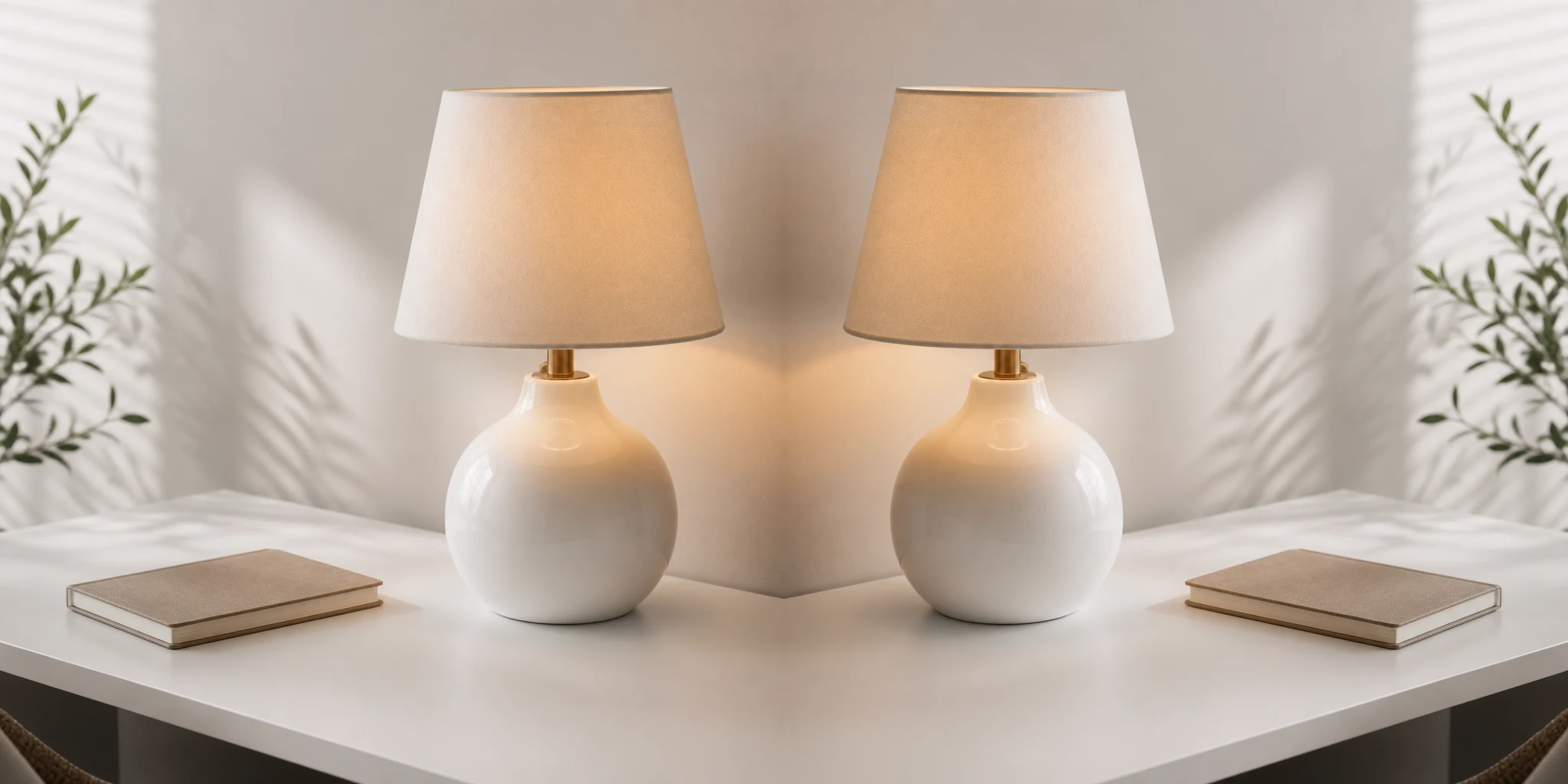
Reverse the left and right sides of a photo.
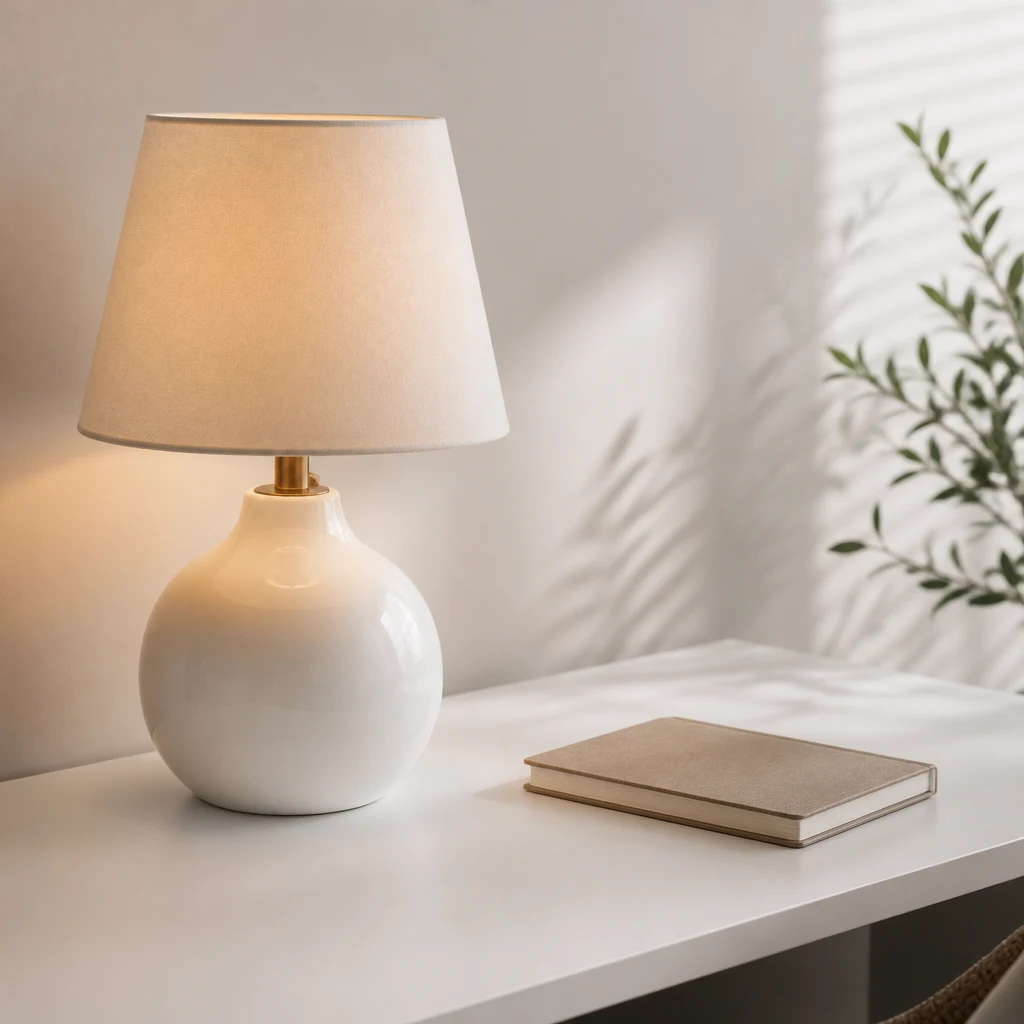
Keep the original dimensions after flipping.
Yes. Select vertical flip in the controls before downloading.
The browser exports a PNG at the original dimensions. The mirror operation itself does not resize the image.
Invert image colors online in your browser. Upload a JPG, PNG or WebP, preview the negative effect, and download a PNG without uploading your image.
Open toolPixelate an image online in your browser. Choose the block size, preview the effect, and download a PNG without uploading your photo.
Open tool