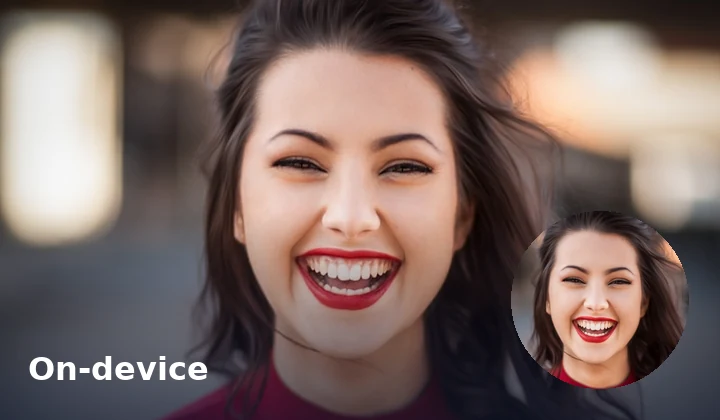
Nothing uploaded
Circle crop and encode stay in the tab. Private headshots never leave this device for this tool.
Free · Browser-local · No upload
Crop a round avatar PNG in your browser — free, no upload.
Need a rectangle instead? Try Image Crop. Or browse all Fogkits tools.
No image? Try one of these
Try a sample, drag the circle to reposition your face, then export a transparent PNG. Nothing is uploaded.
Free browser tool. Round avatar crop with drag reposition. Typical limit 25 MB (12 MB on low-memory devices). Your image never leaves this device.
Files stay on this device. Fogkits does not upload images for this tool — the circle, preview, and encode all happen in your browser. No account, no credits, no ads.
Why choose Fogkits
Round profile pictures without a cloud hop — same CreateVision chrome as Crop and Rotate.
Circle crop and encode stay in the tab. Private headshots never leave this device for this tool.
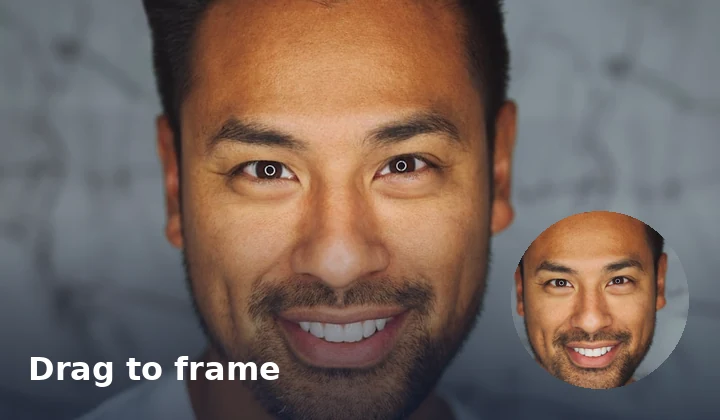
Move the circle over the face — not stuck on center. Resize with handles; zoom/pan when framing is tight.
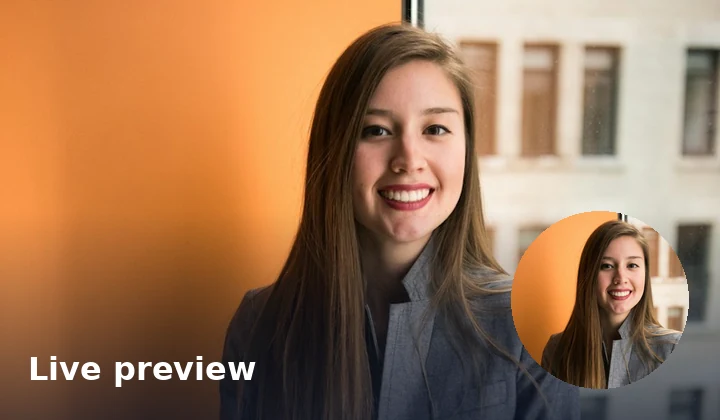
Adjust on Original, then switch to Result to confirm the round export before you download.
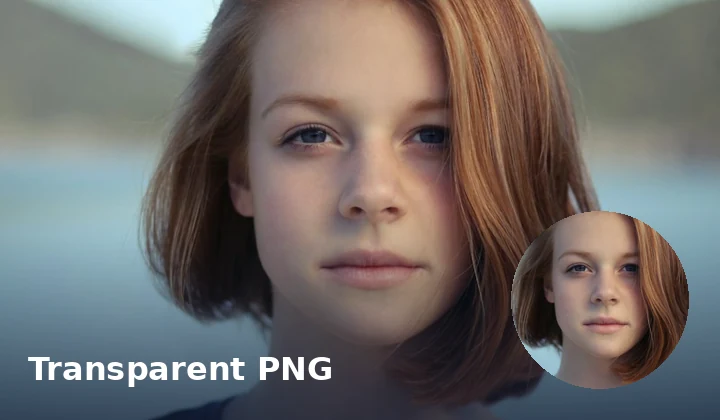
Real transparent corners for profiles and mockups. Optional JPG/WebP with white, black, or custom fill.
Circle-crop up to 20 images with one recipe, download selected, or Download all as a ZIP when zipArchive is available.
Straighten with Rotate, refine with rectangular Crop, or finish ID sizes in Passport Photo.
Proof
Cloud pfp tools ask you to upload first. Fogkits keeps the file on this device, lets you drag the circle onto the face, and hands you a transparent PNG you can drop into Slack, Discord, Notion, or a design mockup. The still below is illustrative — drop your own photo above for a live run.
Drag reposition
Move the circle — not center-only.
Transparent PNG
Real alpha corners for profiles.
Tall stage
Same CreateVision chrome as Crop.
Batch ZIP
Up to 20 images when zipArchive is in the build.
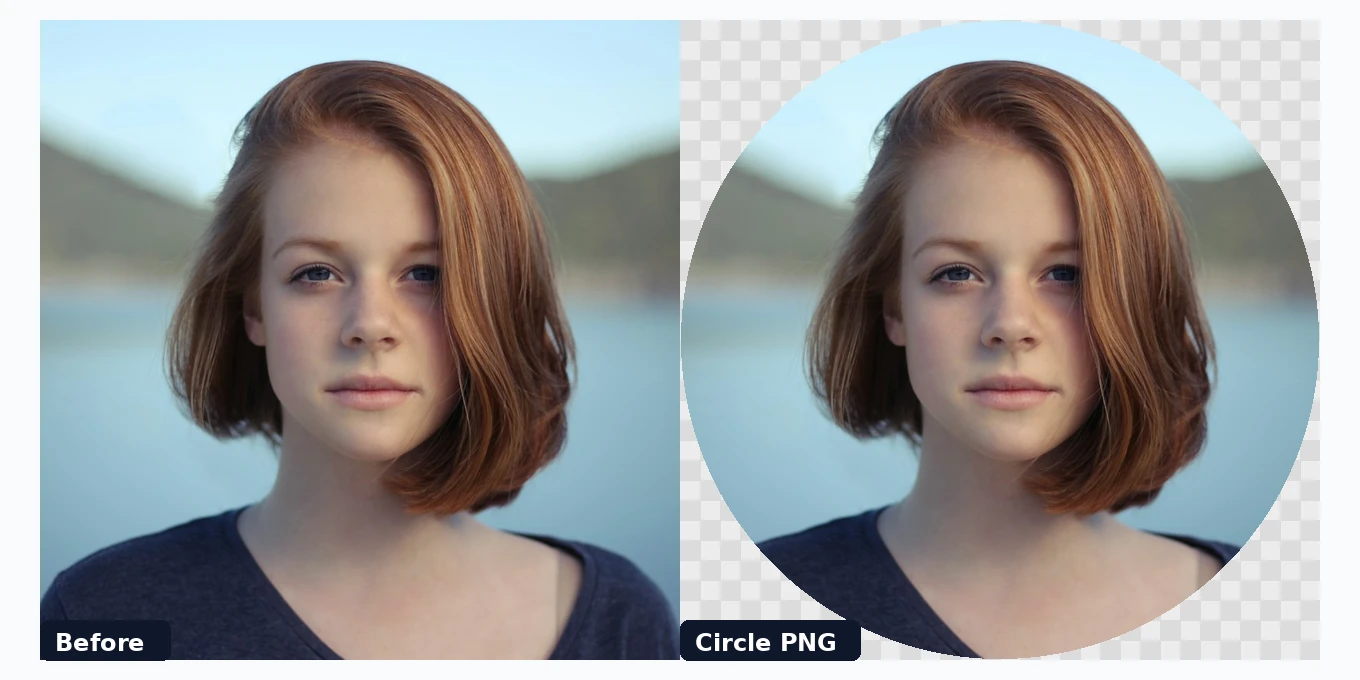
Illustrative still. Drop a real photo above to circle-crop in your browser.
Use cases
Three everyday jobs where a circle crop unblocks the next step.
Profiles & communities
Frame Slack, Discord, GitHub, or forum avatars locally — drag the circle onto the face and export PNG.
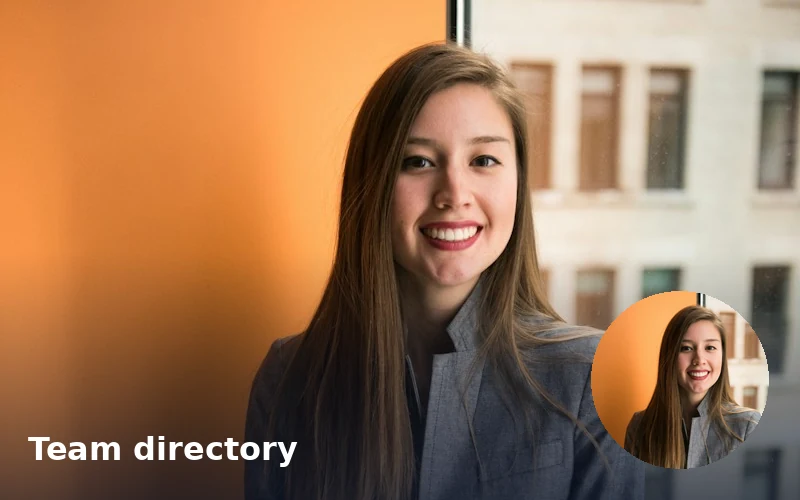
Team directories
Batch circle-crop teammate portraits with the same diameter recipe, then ZIP for the handbook or Notion.
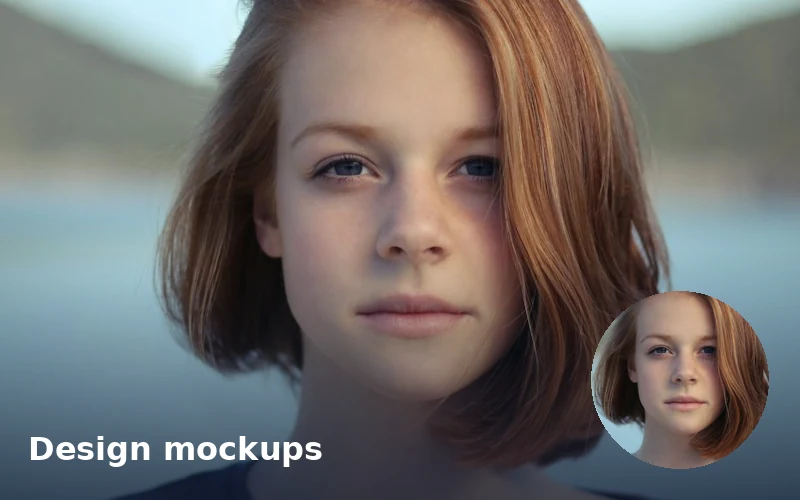
Design mockups
Drop a true-alpha circle into Figma/Canva comps without a white box around the portrait.
How to use
No account, no queue, no cloud job. Drop files, drag the circle, download when Result looks right.
01
Drop JPG, PNG, WebP, or HEIC files onto the circle cropper. Nothing is uploaded — cropping runs in your browser.
02
Drag the circle to frame the face (not center-locked). Resize with edge handles; zoom/pan the preview when you need a closer look.
03
Default transparent PNG for round avatars. Switch to JPG/WebP with a background fill if you need a solid canvas. Batch up to 20 with ZIP when available.
Drop a portrait above, drag the circle onto the face, export transparent PNG, and download when the preview looks right.
Yes. Fogkits draws the circle and encodes the result in your browser. The file never leaves this device for this tool.
Yes. Browser-local circle crop is free — no account and no credits. Export PNG, JPG, or WebP when the Result preview looks right.
Yes. Drag the circle on the Original preview to move it over your subject, then resize with the edge handles. Re-center is available if you want the old centered default.
PNG (default) keeps real transparent pixels outside the circle. JPG fills corners with white, black, or a custom color. WebP can stay transparent or use a fill.
Yes. Add up to 20 images, set format/background once, Crop all, then download selected or Download all as a ZIP when zipArchive is present in the Fogkits build.
About 25 MB on typical desktops, or 12 MB on devices that report 4 GB of memory or less. Soft timeout is 60 seconds per image.
Use Fogkits Image Crop for rectangles, Image Rotate to straighten first, Image Resizer for exact pixels, or Passport Photo for ID sizes.
Yes. HEIC/HEIF is decoded in the browser with heic2any, then circle-cropped like any other still image.
Crop an image online free in your browser — no upload. Freeform or presets (1:1, 4:3, 16:9, 9:16). Live preview, then download JPG/PNG/WebP.
Open toolRotate and flip images in your browser. Free 90° rotate, mirror flip, and straighten — no upload required.
Open toolResize an image to exact width and height in your browser. Free photo resizer with aspect lock — nothing is uploaded.
Open tool