E-commerce
Product photography for listings
Isolate products for marketplaces and catalogs so shoppers focus on the item — not the desk, wall or packaging pile behind it.
Free preview · Transparent PNG · 1 credit for HD
Free preview from any product photo, portrait or image. Compare before and after, then download an optional HD transparent PNG with 1 credit.
Upload an image
or drag and drop it here
JPG, PNG or WebP · up to 20 MB
No image? Try one of these
Your image is used only to create your result. Supported formats: JPG, PNG and WebP. Preview is free; optional HD uses 1 credit.
Before & after
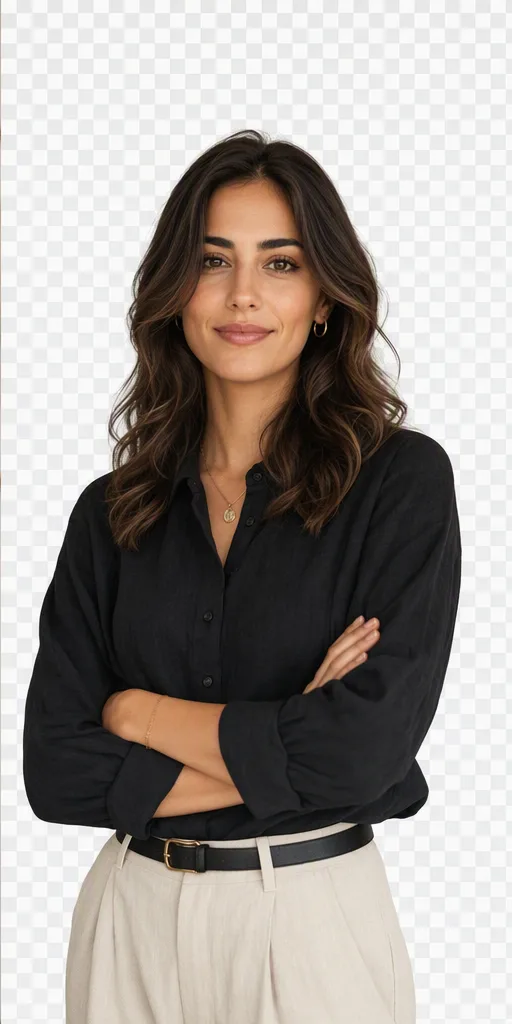
Drag the handle to compare a busy portrait with the transparent result. The live tool above gives you the same free-preview loop on your own photo — no HD charge until you decide.
For product listings, start with the white background maker. For cutouts you can place in other layouts, use the transparent background tool. Both upload your image for server-side processing, with a free preview before HD download.

What can you use it for?
Three everyday jobs where a transparent cutout beats editing the original photo by hand.
E-commerce
Isolate products for marketplaces and catalogs so shoppers focus on the item — not the desk, wall or packaging pile behind it.
Social
Turn a busy selfie into a subject you can drop onto a solid color, brand template or carousel without opening desktop editors.
Design
Generate transparent PNGs for decks, flyers and mockups when you need the subject to stand alone on any layout.
Why choose Fogkits
Precision where it matters for listings and profiles — with an honest free preview.
Built for products, portraits and everyday objects where hair, straps and packaging edges need to stay readable.
Process and review in seconds. Optional HD transparent PNG uses 1 credit only when the cutout looks right.
Export a transparent PNG you can drop into Shopify, Canva, Figma or social templates — no design suite required.
How to use
Upload, preview free, download HD only if you need the unmarked file.
01
Select a JPG, PNG or WebP with a clear subject. Strong contrast between subject and background helps the cutout.
02
Fogkits detects the subject and removes the background. Review the free transparent preview before exporting HD.
03
Optional HD uses 1 credit. Drop the PNG into listings, profiles or layouts that need a subject on its own.
Upload a product photo or portrait, compare the cutout, then download HD with 1 credit if edges look right.
More examples
Larger examples of product, portrait and object photos people prepare after the first upload.
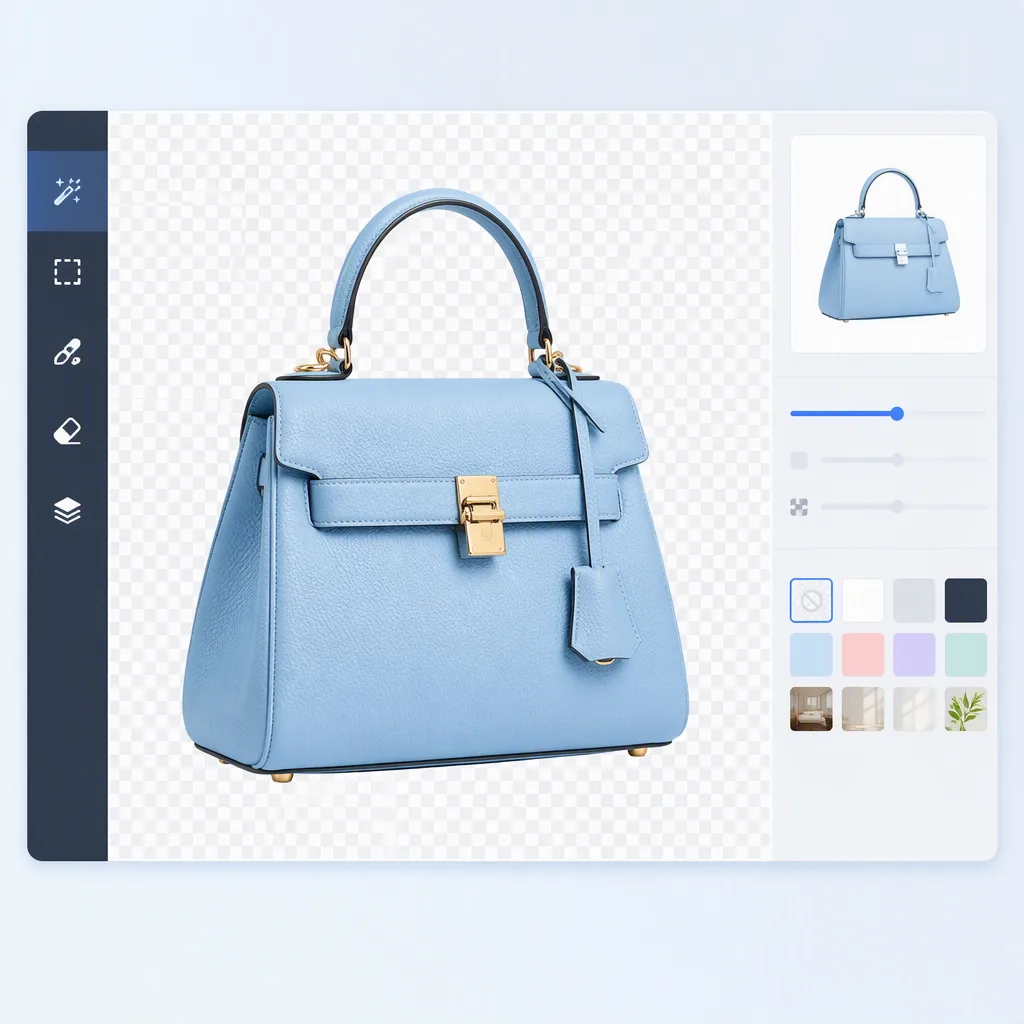
Prepare clean store images with the subject isolated.
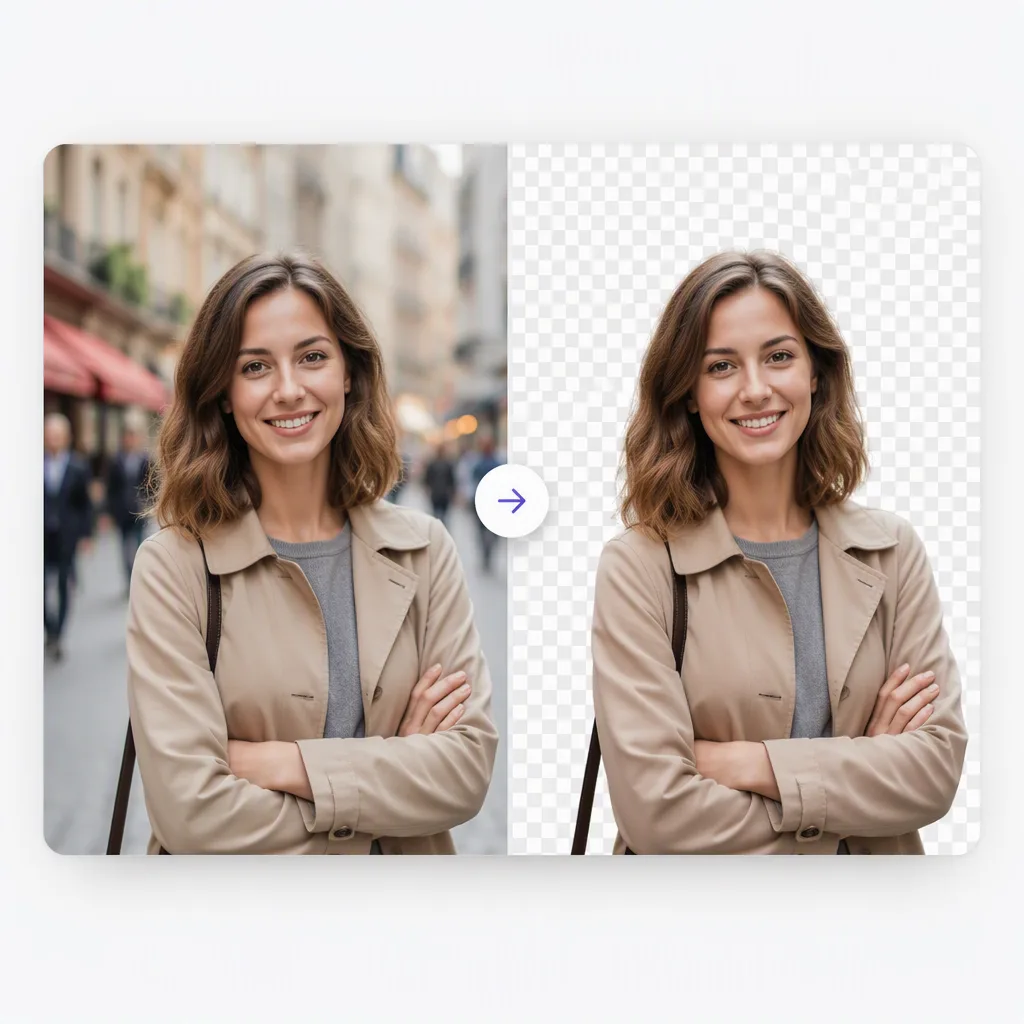
Turn a busy portrait into a clean profile-ready visual.
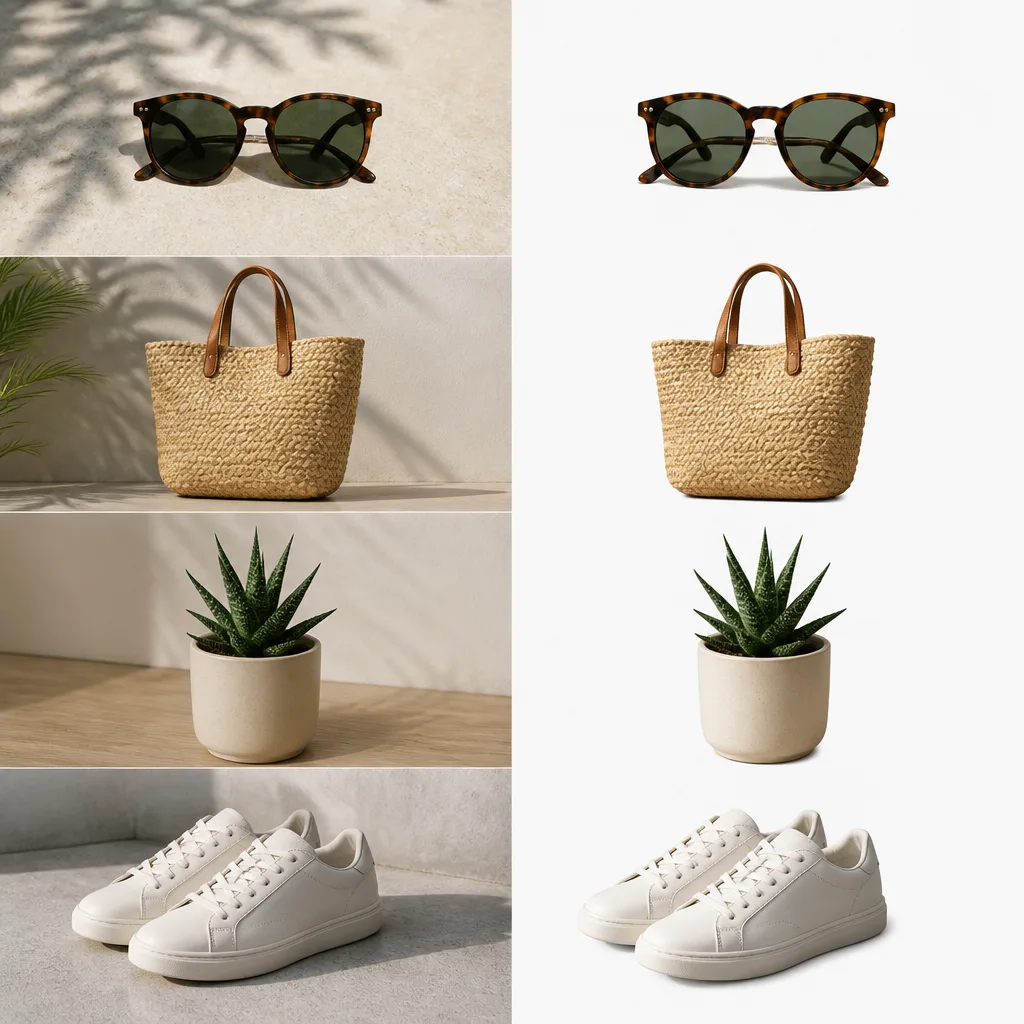
Separate everyday objects for posts, covers and layouts.
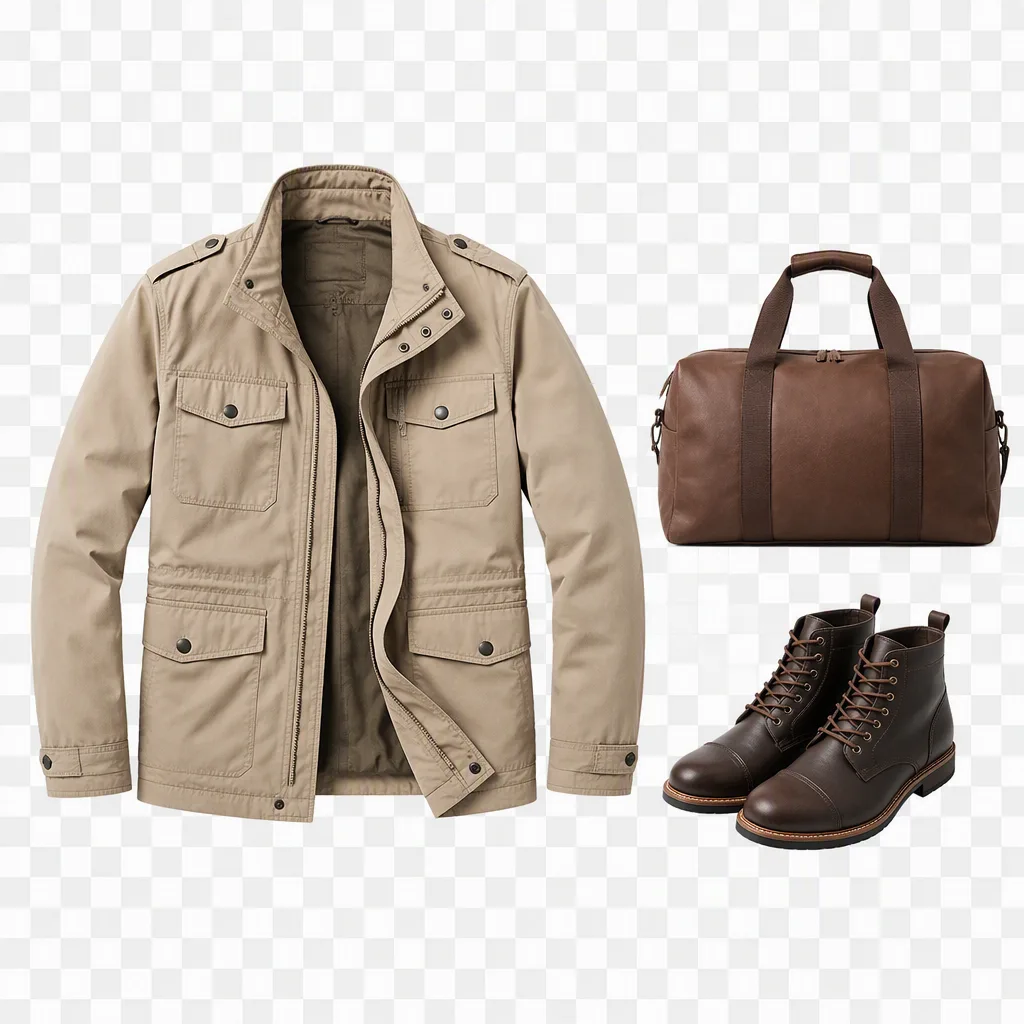
Show clothing and accessories on a clean transparent canvas.
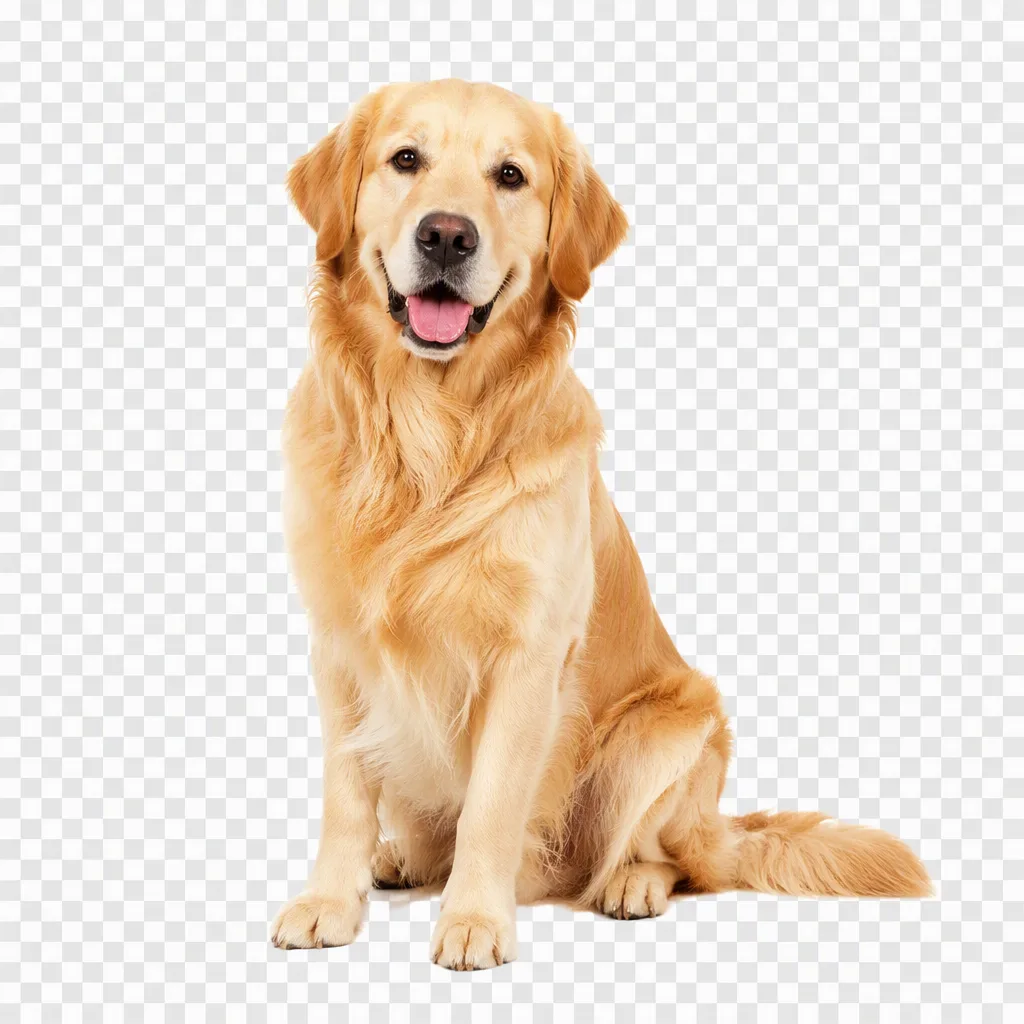
Keep fine edges readable for personal and social images.
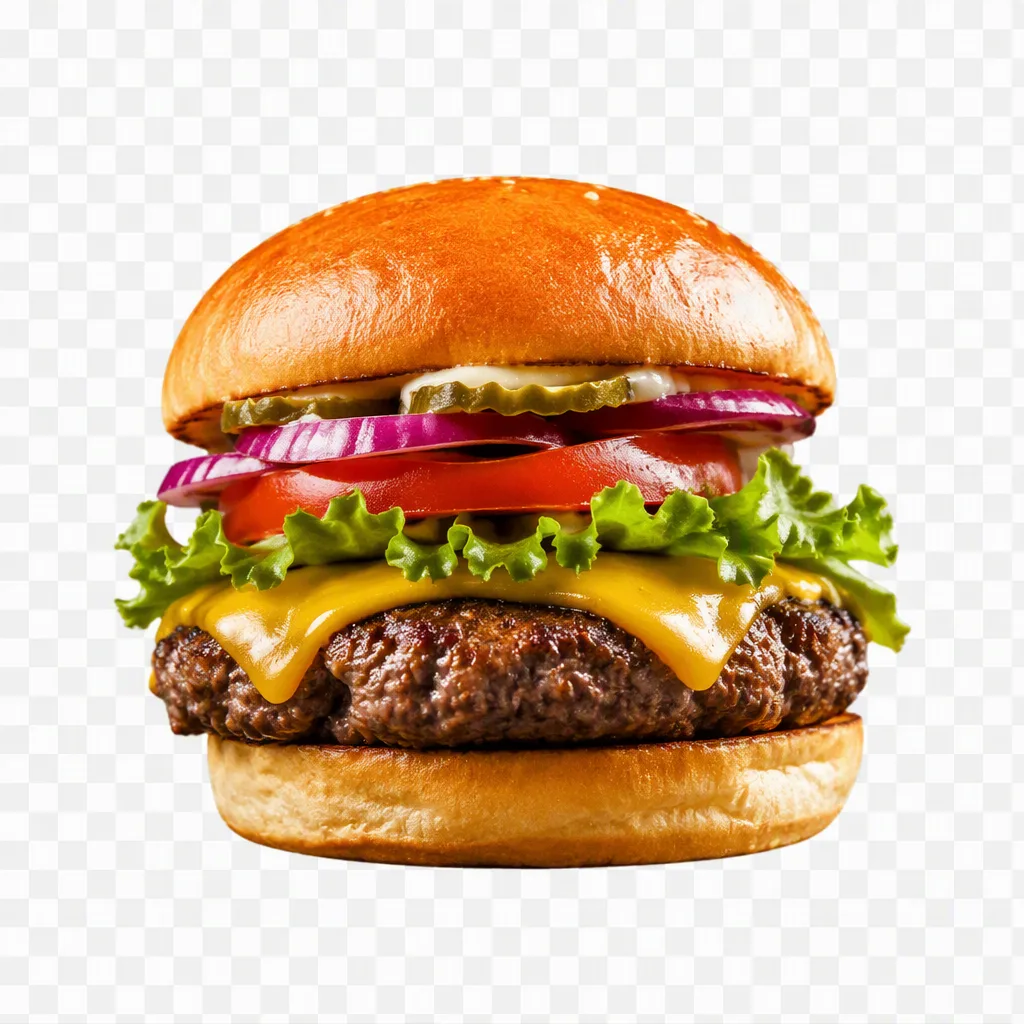
Clean up menu and marketplace visuals without design software.
Upload a JPG, PNG or WebP image and Fogkits identifies the main subject, separates it from the background and returns a transparent PNG preview you can review before downloading HD.
Yes. Processing and preview are free. The optional HD transparent PNG uses 1 credit — you only spend a credit after you like the preview.
Clear product photos, portraits and objects with visible edges work best. Good lighting and contrast usually produce the cleanest cutout.
The output is a PNG with transparency, preserving the original image details as closely as the background removal model allows.
The remover produces a transparent PNG cutout. Place that cutout on a white canvas in any editor, or use it as-is for stores and layouts that expect transparency.
Related, but different. Passport photo mode crops to a country size with a plain document background. This page is a general background remover for products, portraits and creative cutouts.
Free passport photo maker with automatic face checks, background removal and exact-size cropping. Free watermarked preview; optional HD download uses 1 credit.
Open toolCircle-crop a photo into a round profile avatar PNG in your browser. Free, no upload — transparent edges by default. Not affiliated with Instagram or Discord.
Open toolCompress and shrink a GIF in your browser — free, nothing uploaded. Aim for a target file size for chat, email, or the web, then download.
Open tool