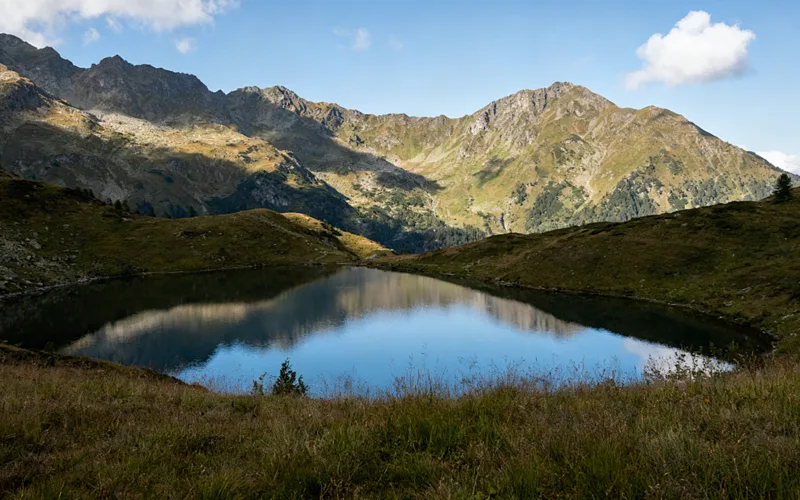
Exact width and height
Set pixel dimensions when a form, LMS, or CMS asks for a specific size. Lock aspect ratio to avoid stretch, or unlock when you need a strict frame.
Free · Browser-local · No upload
Change photo width and height in your browser. Free image resizer with aspect lock — files never leave this device.
Looking for compressing file size instead? Or browse all Fogkits tools.
No image? Try one of these
Free browser tool. JPG, PNG, WebP. Typical limit 25 MB (12 MB on low-memory devices). Your image never leaves this device.
Resize runs with canvas inside your browser. Fogkits does not upload the image for this tool — no account and no credits required to download.
Why choose Fogkits
Exact pixels for forms and uploads — without sending the photo to a remote editor.
Set pixel dimensions when a form, LMS, or CMS asks for a specific size. Lock aspect ratio to avoid stretch, or unlock when you need a strict frame.
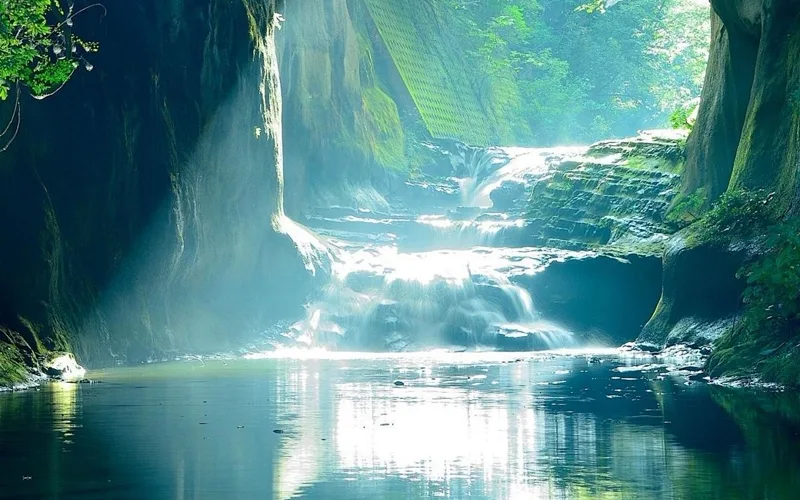
Fit inside a box without upscaling, or scale both sides by a percent for thumbnails and email-friendly assets.

Exact size can fill the frame with cover crop. Drag to reposition and zoom so faces or products stay in view.
Canvas resize runs locally. Fogkits does not upload the image for this tool — no account and no credits to download.
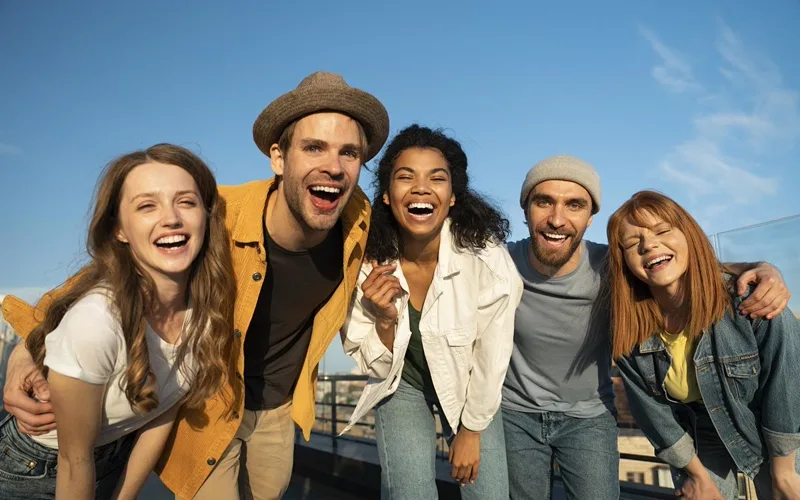
Add several JPG, PNG, or WebP files, apply the same size settings, and download each result when the preview looks right.
Keep the input type, or force JPEG, WebP, or PNG when a destination prefers one format.
Proof
The marketing before/after pair is a real canvas scale of the street sample to about 50% width. Your output depends on the source resolution and the controls you choose — Fogkits does not invent traffic or engagement numbers for this page.
Exact pixels
Set width and height in px; lock aspect to avoid stretch.
Max side
Fit inside a box without upscaling — useful for upload caps.
Percent
Scale both sides by a percent for quick thumbnails.
Output format
Keep the input type, or force JPEG, WebP, or PNG.
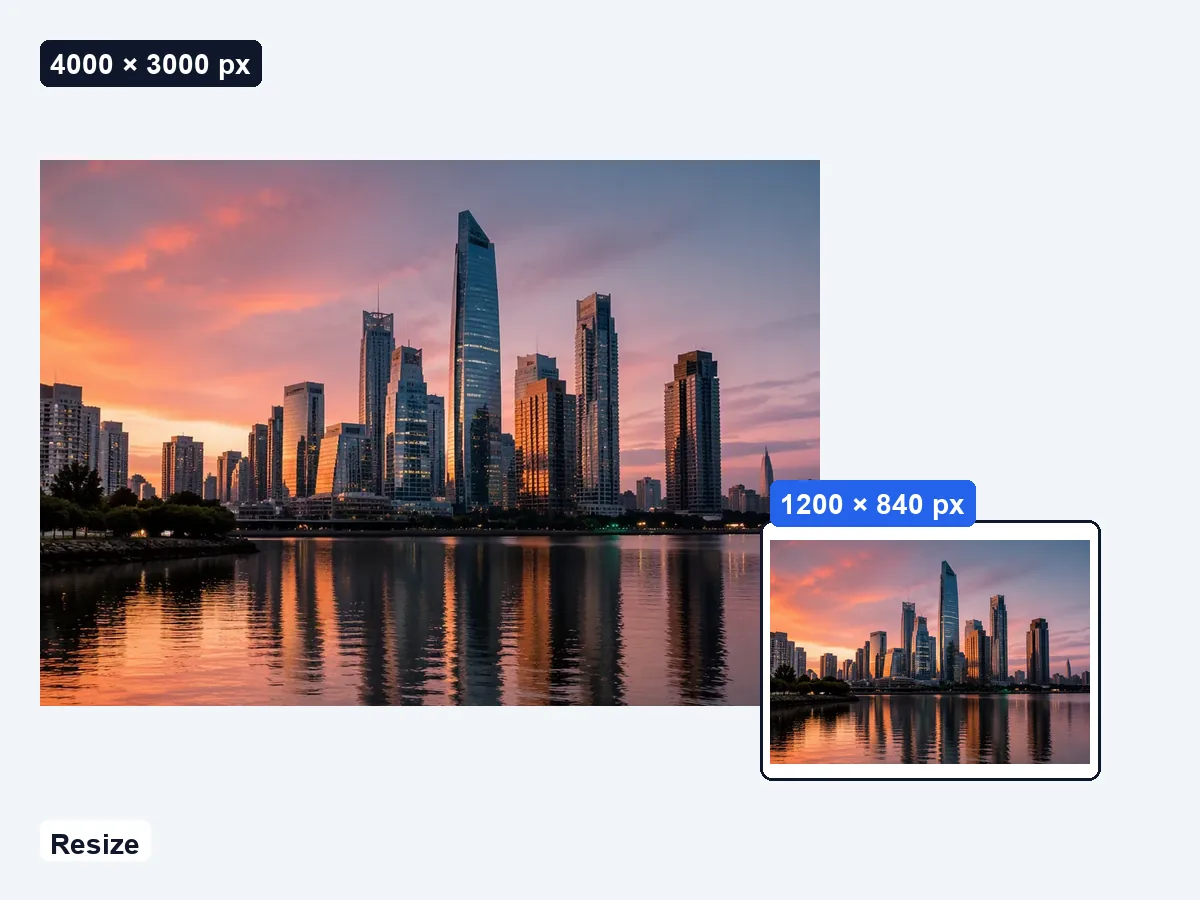
Demo stills from the street sample. Try the live samples above to resize a portrait, product, or landscape image in your browser.
Use cases
Three everyday jobs where pixel size matters more than kilobytes.

Forms & HR
Many portals reject photos that are too wide or tall. Set max side or exact pixels so the file clears the check without a desktop editor.

Social & ads
Resize toward square, story, or banner ratios, then drag the cover crop so the subject stays centered before you export.
Catalogs & web
Scale a batch to the same width or percent so listing grids and PDFs look consistent without re-exporting from Lightroom.
How to use
No account, no queue, no cloud job. Pick a file, set width and height or a percent, and download when the preview looks right.
01
Drop a JPG, PNG, or WebP onto the resizer, or try a sample. The file stays in your browser and is not uploaded to Fogkits for this tool.
02
Pick exact pixels, a max-side box, or a percent. Lock aspect ratio to avoid stretching, or unlock when you need a specific frame.
03
Check before/after dimensions and file size, then download. Resize runs locally with canvas — no credits.
Drop a file above, set width and height or a percent, and download when the preview looks right.
Yes. This browser-local image resizer is free — no account and no credits. Resize a JPG, PNG, or WebP and download when the preview looks right.
No. Fogkits resizes the image in your browser with canvas. The original file is not sent to Fogkits servers for this tool.
Yes. Leave Lock aspect ratio on. Exact mode then contain-fits into your width×height box; Max side and Percent always keep the original ratio.
Yes. Choose Exact pixels and enter width and height. Unlock aspect ratio if you need a stretched frame; keep it locked to avoid distortion.
Input: JPG, PNG, and WebP. Output: same as input (Auto), or force JPEG, WebP, or PNG after resize.
Use the Fogkits image compressor to shrink JPG, PNG, or WebP file size. This page changes width and height; the compressor focuses on quality and target KB.
Yes. Add up to 20 images at once, apply the same fit mode and size settings, then Resize all. Each result downloads individually in your browser — nothing is uploaded.
About 25 MB on typical desktops, or 12 MB on devices that report 4 GB of memory or less. Output dimensions are capped at 8192 px per side.
Compress JPG, PNG and WebP images in your browser. Shrink file size for email or web without uploading photos to a server.
Open toolCompress and shrink a GIF online free in your browser — no upload. Reduce GIF file size with quality, target size, resize and frame skip, then download.
Open toolCircle crop a photo into a round avatar PNG in your browser. Free, no upload — transparent edges by default.
Open tool