
Product lookbooks
Turn one wide studio rail into a swipeable set without redesigning each frame.
Free · Browser-local · Numbered slides
Cut a wide or tall image into ordered swipe slides in your browser. Preview sequence, then download a numbered ZIP — nothing is uploaded.
No image? Try one of these
Free browser tool. Distinct from Grid Maker. Not affiliated with Instagram.
How to use
Forward order only — swipe 01 first. Profile reverse-order naming belongs on Grid Maker.
01
Panoramas and long strips work best. Fogkits stays in your browser — nothing is uploaded for this tool.
02
Pick 3–10 slides. Wide sources default to left→right; tall sources to top→bottom. Review the numbered sequence preview.
03
Export a ZIP where 01 is the first swipe. Upload to Instagram as a carousel in that order (forward — not profile reverse order).
Use cases
Turn one wide studio rail into a swipeable set without redesigning each frame.

Guide viewers across a landscape left to right inside a single post.

Slice a vertical how-to strip into ordered steps for mobile scrolling.
Why choose Fogkits
Built for swipe sequences — intentionally different from the profile grid maker.
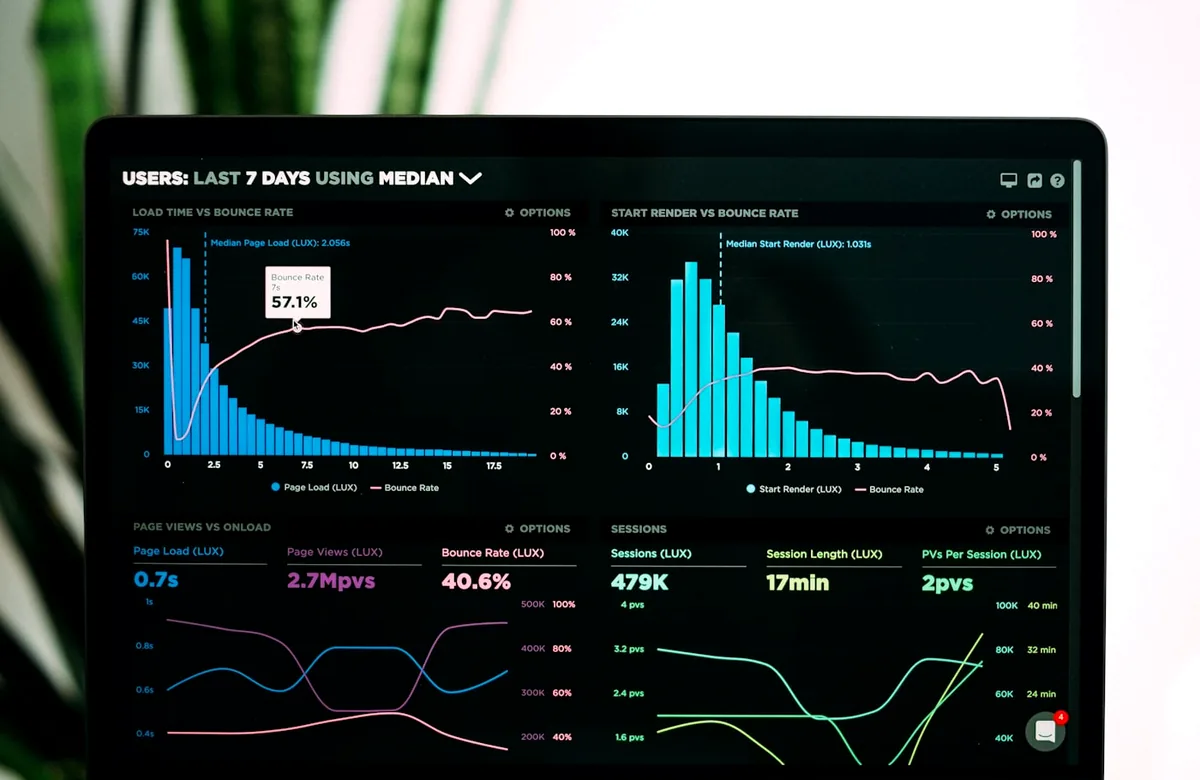
Slides are named 01-slide onward so camera-roll sort matches swipe order.
Wide sources split horizontally; tall sources vertically — override anytime.

See every slide card with numbers before you encode the ZIP.

Copy notes the common ~3:4 / 4:5 feed preview so first-slide crops are not a surprise.

No upload for this tool. Encode stays on-device like other Fogkits client utilities.

No publish-order reverse naming, no 3×3 profile puzzle — that lives on Grid Maker.
Sequence proof
Carousel posts play forward. Upload slide 01 first. Reserve reverse publish-order naming for multi-post profile grids on Instagram Grid Maker. In-feed, Instagram may show a taller crop (~3:4 / 4:5) — check the opening slide on a phone.

Illustrative still. Drop a panorama above for a live sequence preview.
Carousel splitting never leaves this tab for the core export path. No account required.
It cuts one wide or tall image into ordered slides for a single swipe post. Fogkits numbers files in swipe sequence and keeps processing on this device.
Grid Maker builds a multi-post profile puzzle with publish-order naming. Carousel Splitter builds 1×N slides for one carousel post with forward swipe numbering.
You can export whatever the source crop produces. In the Instagram home feed, posts often appear closer to ~3:4 or 4:5 with letterboxing — preview the first slide on your phone before publishing.
Yes. Browser-local export is free with no credits. Download the numbered ZIP when the sequence looks right.
No. You download slides and upload them yourself. Fogkits is not affiliated with Meta/Instagram.
Wide images default to horizontal (left→right). Tall images default to vertical (top→bottom). You can override the axis in the controls.
Presets cover 3, 4, 5, 7, and 10 slides. Custom counts from 2 to 10 match common Instagram carousel limits.
Jump back to the tool, preview slide order, then download a numbered ZIP for swipe posts.
Make an Instagram 3×3 photo grid in your browser. Split one photo into a seamless profile puzzle, preview continuity, then download a publish-order ZIP. Nothing is uploaded.
Open toolFree image splitter in your browser. Cut a photo in half, into 2×2 or 3×3, or any rows and columns. Preview the grid, then download numbered tiles as a ZIP. Nothing is uploaded.
Open toolCrop an image online free in your browser — no upload. Freeform or presets (1:1, 4:3, 16:9, 9:16). Live preview, then download JPG/PNG/WebP.
Open tool