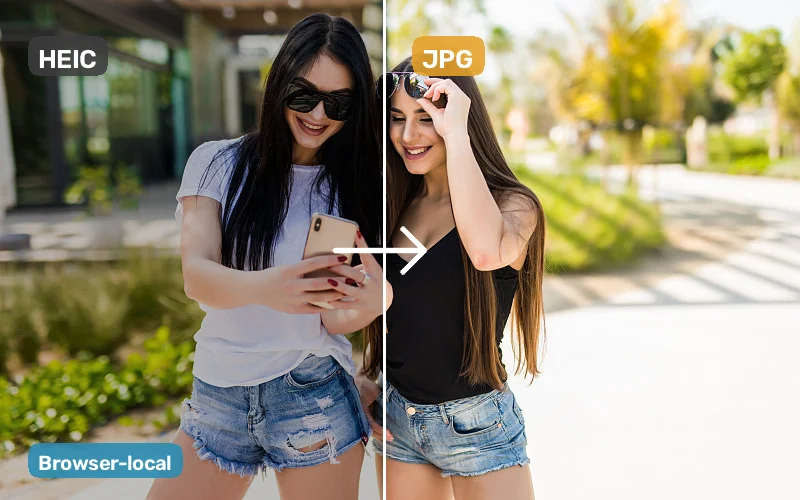
HEIC stays private
iPhone photos decode with heic2any in the tab. Nothing is uploaded to Fogkits for this tool — the differentiator vs cloud converters.
Free · Browser-local · No upload
HEIC to JPG for iPhone photos, plus PNG/WebP/JPG. Free conversion in your browser — nothing uploaded.
Need a smaller file after converting? Try the image compressor. Or browse all Fogkits tools. Need step-by-step instructions? Read the HEIC to JPG guide.
No image? Try one of these
No HEIC sample ships with the page — drop an iPhone HEIC to try the lead path. JPG/PNG samples below exercise format conversion.
Free browser tool. HEIC → JPG (and JPG/PNG/WebP). Typical limit 25 MB (12 MB on low-memory devices). Your image never leaves this device.
Unlike iLoveIMG or CloudConvert, Fogkits does not upload HEIC or other images for this tool. Decoding and re-encode happen in your browser — no account and no credits.
Why choose Fogkits
HEIC from iPhone becomes JPG without a cloud hop — and the same workspace handles PNG/WebP.
iPhone photos decode with heic2any in the tab. Nothing is uploaded to Fogkits for this tool — the differentiator vs cloud converters.
Output defaults to JPG so HEIC opens everywhere. Switch to PNG or WebP when you need transparency or a modern web format.
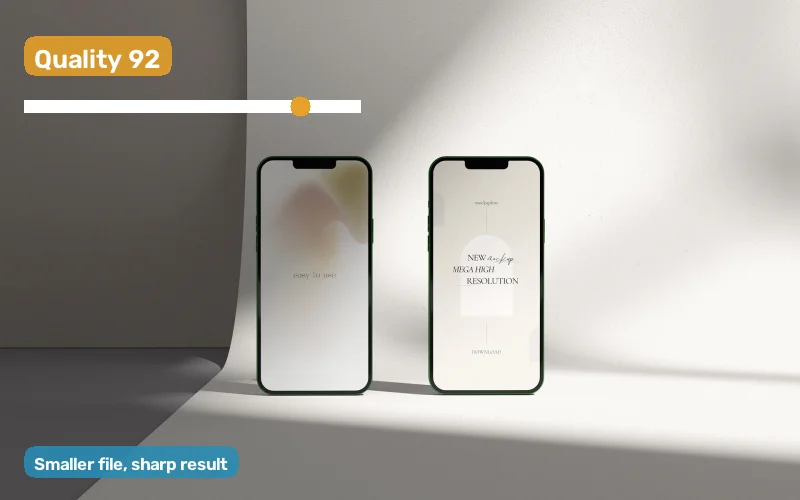
JPG/WebP quality defaults to 90 — higher than the compressor — so conversion is not a stealth shrink unless you ask for it.
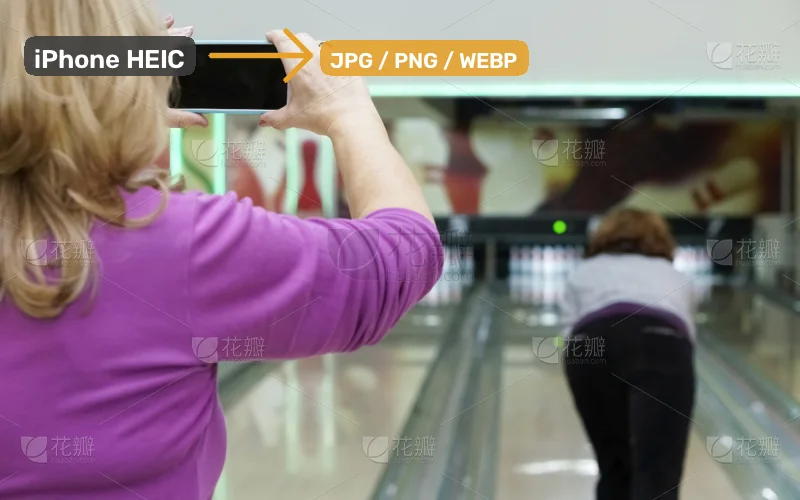
Empty-state CTA is Convert HEIC to JPG. Drop a batch from Files or AirDrop and convert them with one recipe.
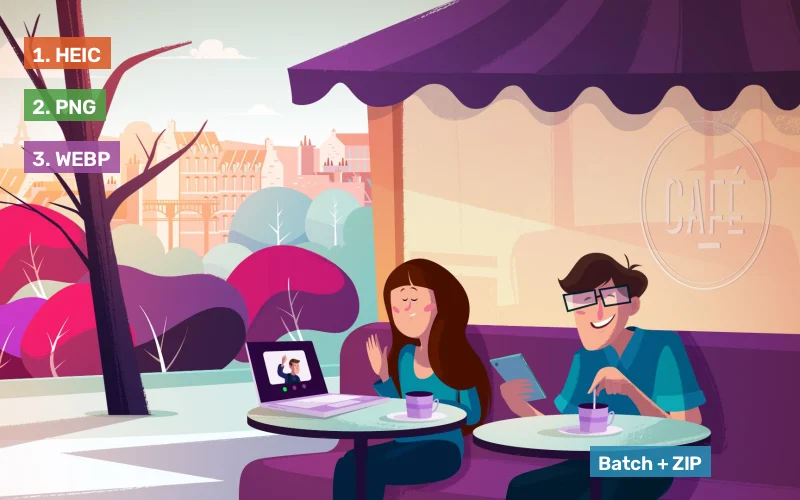
Convert up to 20 images, download the selected result, or Download all as a ZIP — same workspace chrome as the image compressor.
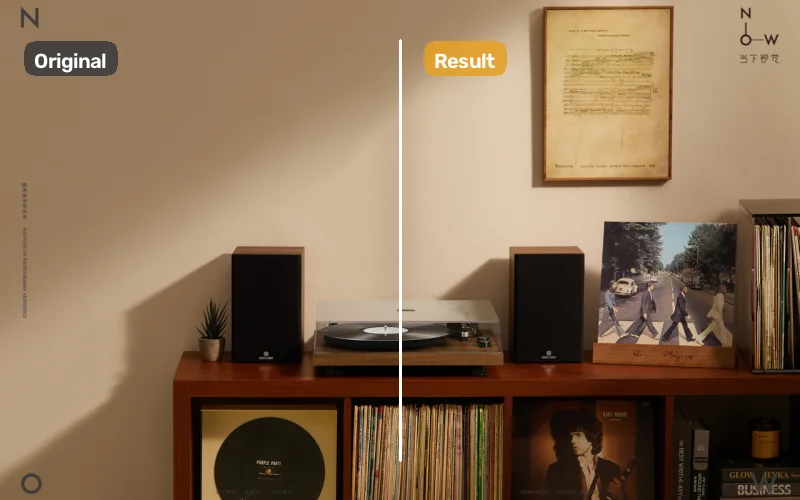
Compare before and after in the 300px sidebar layout before you download — no floating cloud UI.
Proof
Cloud converters ask you to upload first. Fogkits keeps the HEIC on this device, decodes it in the browser, and hands you a JPG (or PNG/WebP) you can attach to email, forms, or Windows. The demo still below is illustrative — drop your own HEIC above for a live run.
HEIC input
Type or .heic / .heif extension — decoded via heic2any.
JPG default
Widely compatible output for email, forms, and Windows.
Quality 90
Preserves detail more than compressor defaults.
Batch ZIP
Convert many, download all as one archive.
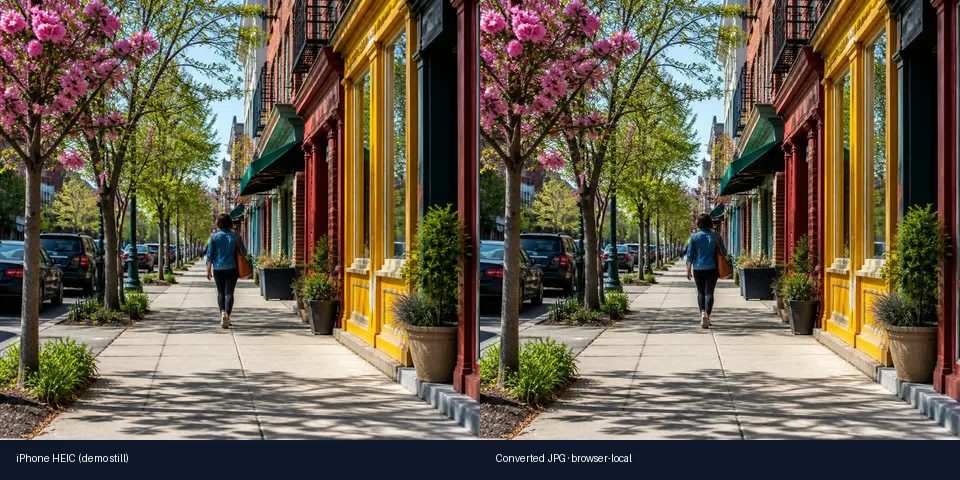
Illustrative still. Drop a real iPhone HEIC above to convert HEIC to JPG in your browser.
Use cases
Three everyday jobs where HEIC or the wrong mime type stops the workflow.
iPhone → Windows
Convert before emailing a PC user or dropping into an app that rejects HEIC — without uploading the album to a cloud site.
Forms & email
Many portals only accept JPG/PNG. Convert HEIC or WebP first, then attach — conversion stays on this device.

Web & store
Flip between JPG, PNG, and WebP when a CMS or storefront wants a specific mime type, then compress separately if size is the next issue.
How to use
No account, no queue, no cloud job. Pick files, choose JPG/PNG/WebP, download when the preview looks right.
01
Drop iPhone HEIC photos or JPG/PNG/WebP files onto the converter. Nothing is uploaded — conversion runs in your browser.
02
Default is JPG for the HEIC → JPG lead path. Switch to PNG or WebP when you need transparency or a modern web format. Quality (default 90) appears for JPG/WebP.
03
Convert one image or a batch, preview Original vs Result, then download the selected file or a ZIP of all results.
Drop iPhone photos above, keep JPG selected, and download when the preview looks right.
Yes. Fogkits decodes HEIC/HEIF in your browser with heic2any, then encodes JPG (or PNG/WebP) locally. The photo never leaves this device for this tool.
Yes. Browser-local conversion is free — no account and no credits. Convert HEIC, JPG, PNG, or WebP and download when the preview looks right.
Input: HEIC/HEIF, JPG, PNG, WebP. Output: JPG, PNG, or WebP. HEIC is input-only — browsers do not encode HEIC here.
Most people opening this page need HEIC from an iPhone as a widely compatible JPG for email, forms, and Windows. You can switch to PNG or WebP anytime.
Yes. Add up to 20 images, apply the same output format and quality, Convert all, then download selected or Download all as a ZIP.
JPG/WebP use a quality slider (default 90 — higher than the compressor default) so conversion preserves detail. PNG is lossless in the browser.
About 25 MB on typical desktops, or 12 MB on devices that report 4 GB of memory or less.
Use the Fogkits image compressor after converting, or the GIF compressor for animated GIFs.
Compress JPG, PNG and WebP images in your browser. Shrink file size for email or web without uploading photos to a server.
Open toolResize an image to exact width and height in your browser. Free photo resizer with aspect lock — nothing is uploaded.
Open toolCompress and shrink a GIF online free in your browser — no upload. Reduce GIF file size with quality, target size, resize and frame skip, then download.
Open tool